AI Character Generator
Create a character from an idea or up to four references. Describe their appearance, outfit and scene, then choose a style, pose, expression and canvas shape.
Seedream 5.0 Lite · Review your settings and credit quote
Build a character with a clear visual brief
- 01
Describe who, what and where
Describe your character, their outfit and their scene separately. Start with references to add up to four images for Character, Outfit, Pose and Scene.
- 02
Choose a look and composition
Browse twelve illustrated styles, choose an expression and pose, and set the crop and canvas shape. Changing styles keeps your writing and references.
- 03
Review and refine
Open Review character brief, check the credit quote, then generate one image. Inspect the identity, clothing and anatomy. Reuse the full settings for your next variation or download the result.
Find a new way to see it.
Create a character from an idea or up to four references. Describe their appearance, outfit and scene, then choose a style, pose, expression and canvas shape.
Add the requested inputs and use the quote to review the available settings before starting.
Explore related toolsFrequently asked questions
Clear policies on free channels, device privacy and file retention.
Read full product facts- Do I need a character photo?
- No. Text starts create an original character from Who is your character. With a Character reference that field is optional. Outfit, Pose and Scene references do not supply identity, so those starts still need a character description.
- How do the four references work?
- Character anchors recognizable features. Outfit guides clothing without copying its wearer. Pose guides body position, and Scene guides the surroundings. Each slot accepts one image. Choose a specific pose to override the Pose reference.
- Can I change style without losing my inputs?
- Yes. Your text, reference roles and custom pose remain when you change art style. Saved prompts and reused results also retain these settings; saved references are optional.
- Does it guarantee the same character every time?
- No. References and written details guide identity, but image models can change features between results. Compare the face, proportions and distinctive marks before keeping a variation.
- Is the 3D style an editable model?
- It creates a flat image with a dimensional illustrated look. It does not export a mesh, rig, animation or editable 3D model.
- Can I make a character sheet?
- This workflow creates one character in one image. Full body keeps the complete silhouette in the frame; it does not promise consistent front, side and back views.
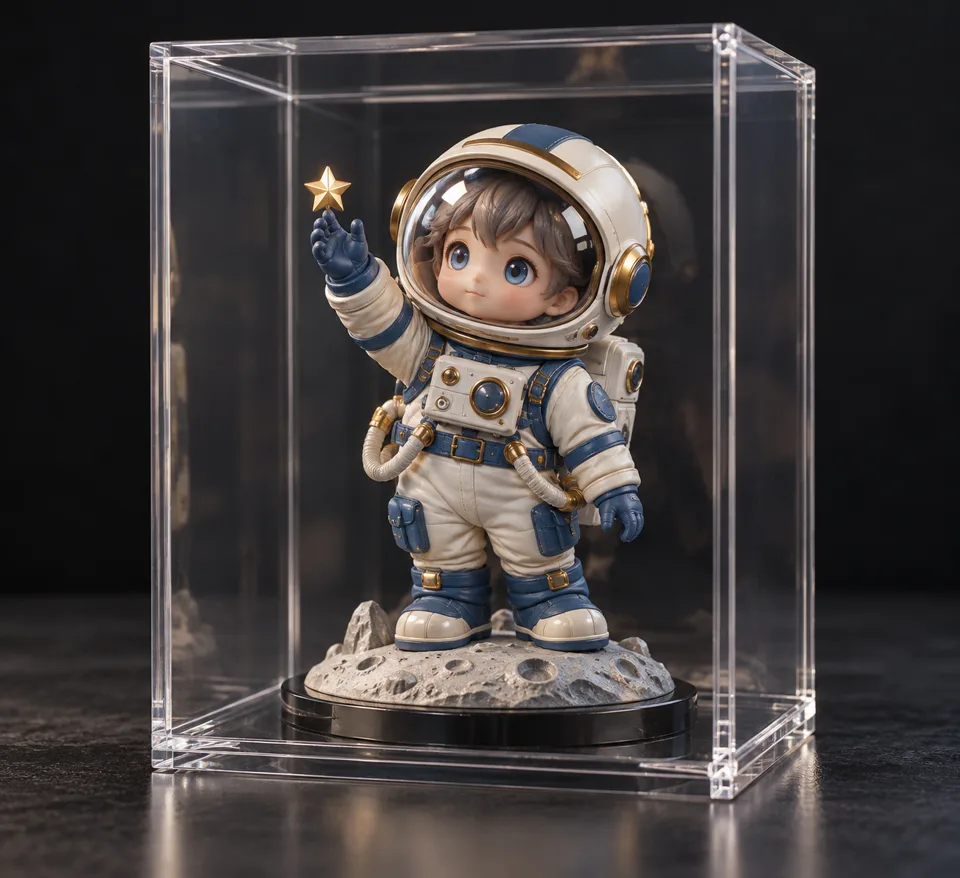
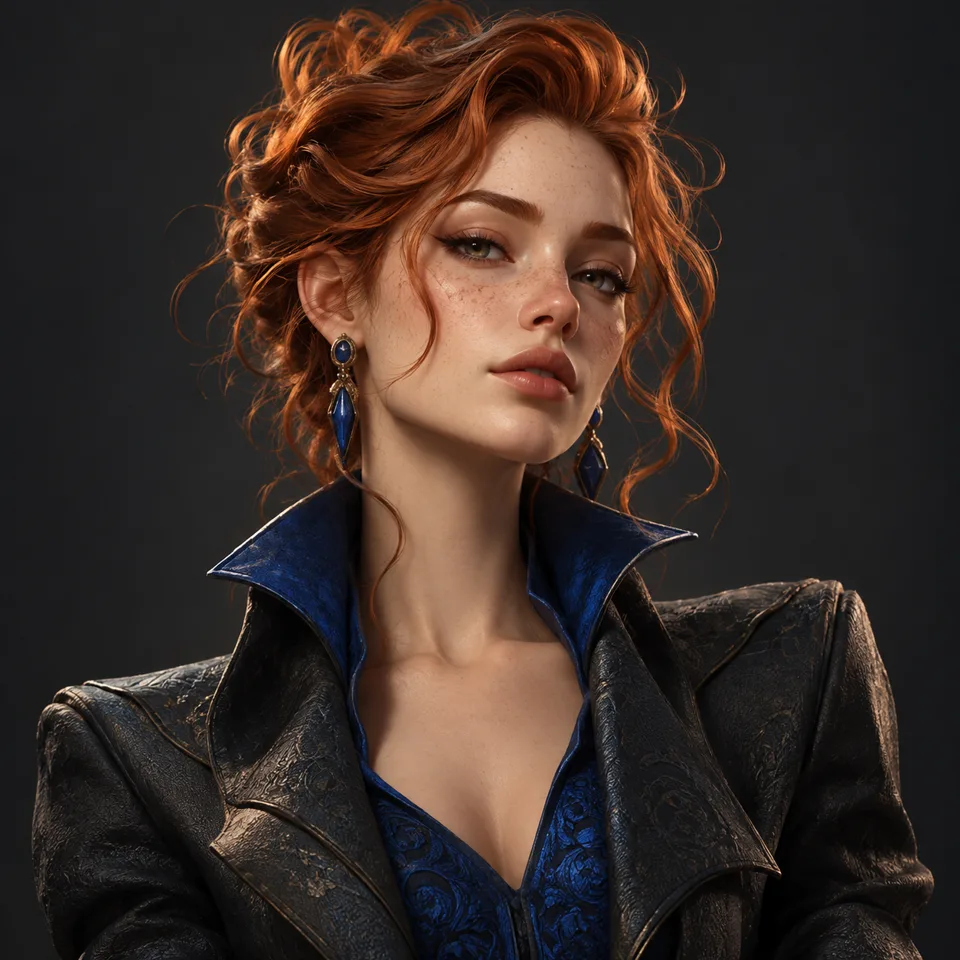
- Are the style pictures generated previews?
- They are original illustrations of the art direction. They do not process your inputs. A new image is created only after you confirm its credit quote.
- How do pricing and file retention work?
- The server confirms the credit quote before you submit. Available specifications and credits are shown in the creator. See Pricing for monthly and annual subscriptions. Reference images upload when you prepare an AI task. Guest results expire after one hour; signed-in creations are retained for 30 days. Download what you want to keep.