Photo to Anime
Create a detailed hand-drawn anime illustration from a photo or a written idea.
Nano Banana 2 · Review your settings and credit quote


Turn your photo into anime art, with your own direction
- 01
Start with a clear photo
Add a well-lit photo with a visible subject and a simple background. Use the photo input mode, or switch to text to describe an original character.
- 02
Describe your anime style
Try crisp cel shading, soft watercolor backgrounds or expressive portrait linework. Say which facial features, pose and clothing you want to keep; choose an image-capable model and supported settings.
- 03
Review, create and refine
Check the credit quote before starting. Inspect the result, download what you want to keep and adjust your direction for another version. Each new cloud task has its own quote.
Choose the anime direction that suits your photo
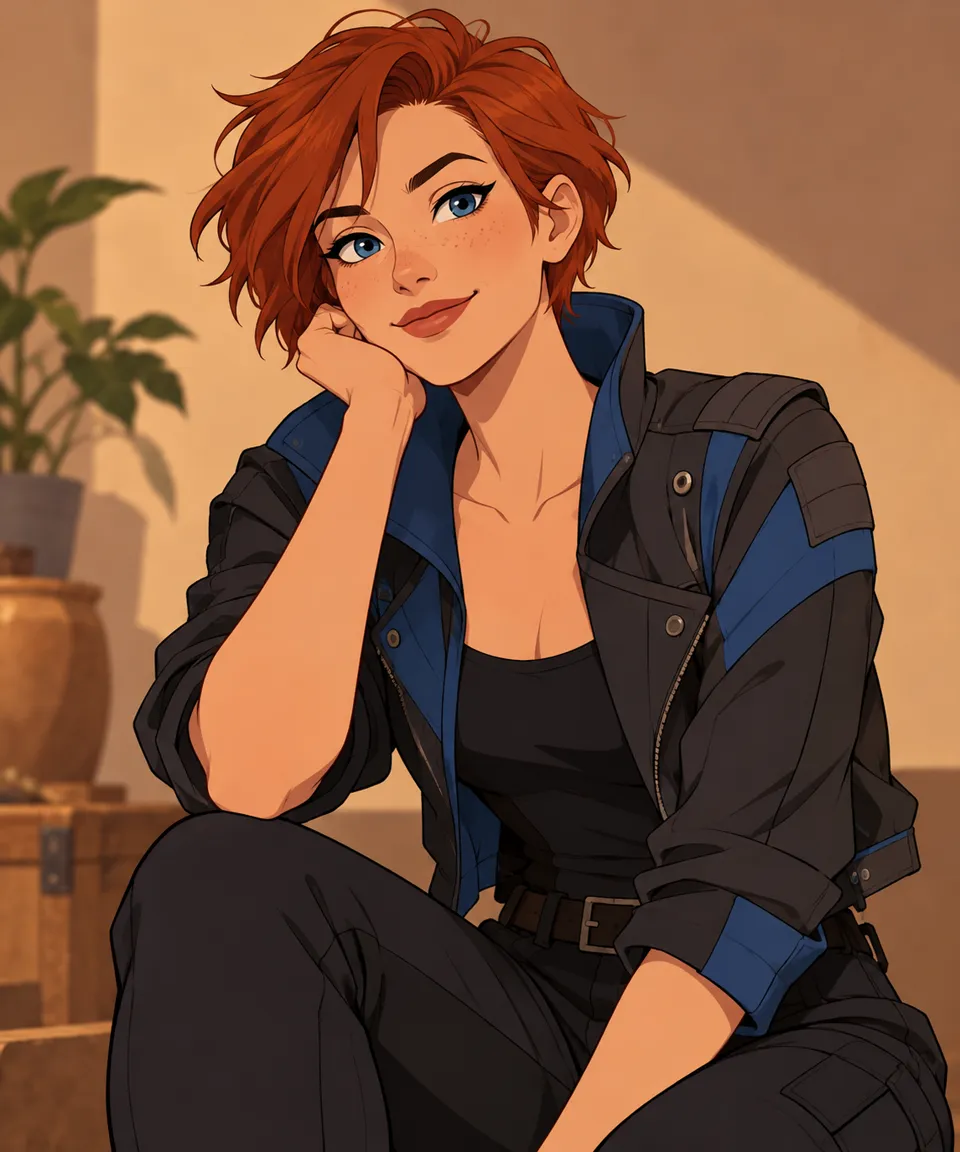
Explore illustrated linework, color and lighting. This artwork is a style illustration, not a before-and-after result from this tool.
Review the supported settings and credit quote before starting. Uploaded inputs and generated files follow the account retention rules.
Frequently asked questions
Clear policies on free channels, device privacy and file retention.
Read full product facts- How much does Photo to Anime cost?
- The server confirms the credit quote before you submit. Available specifications and credits are shown in the creator. See Pricing for monthly and annual subscriptions. Photo input requires a model that supports reference images; a free text-only model cannot convert your photo.
- What kind of photo works best?
- Use a sharp, well-lit photo with an unobstructed face or subject. Avoid heavy filters, tiny faces and busy group shots. Keep the details you want to preserve visible in the source.
- Will the anime version look exactly like me?
- AI stylization can change faces, fine details and clothing. Describe the features you want to preserve, then inspect the output. Exact likeness is not guaranteed.
- Can I change the anime style or use only text?
- Yes. Edit the style direction and choose compatible model settings. Photo input guides a transformation; text mode creates an illustration from your description. Anime Portrait in Photo Effects is a separate preset for a quick portrait direction.
- Are photos uploaded, and how long can I access results?
- AI processing uploads the selected reference to the cloud when you prepare your task. Guest results expire after one hour; signed-in creations are retained for 30 days. Download the files you want to keep and delete saved creations from your workspace when needed.