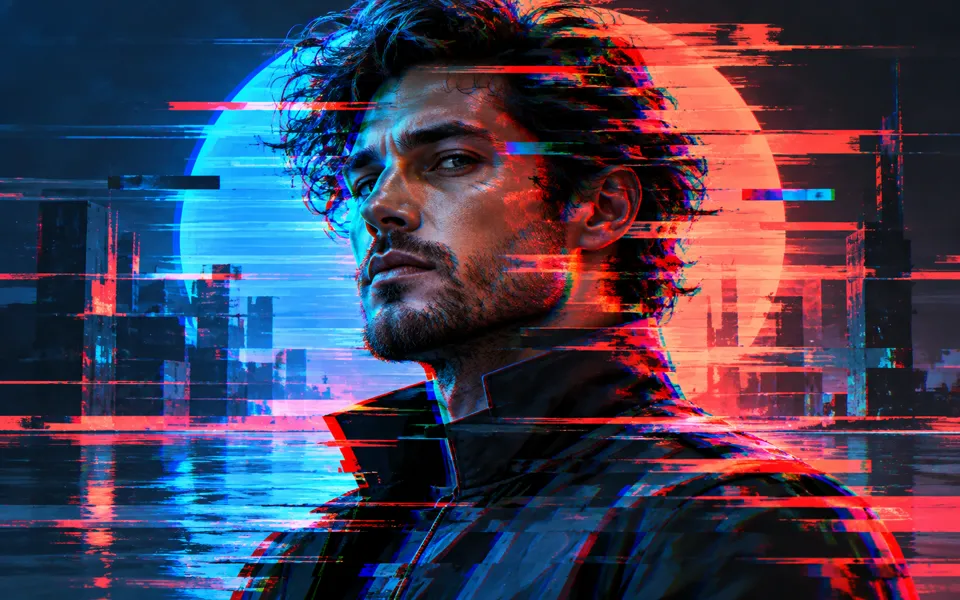
AI Cyberpunk Art Generator
Create cyberpunk art from a subject or source image. Choose a visual style, lighting, atmosphere and transformation, then compare and refine your result.
Nano Banana 2 · Review your settings and credit quote
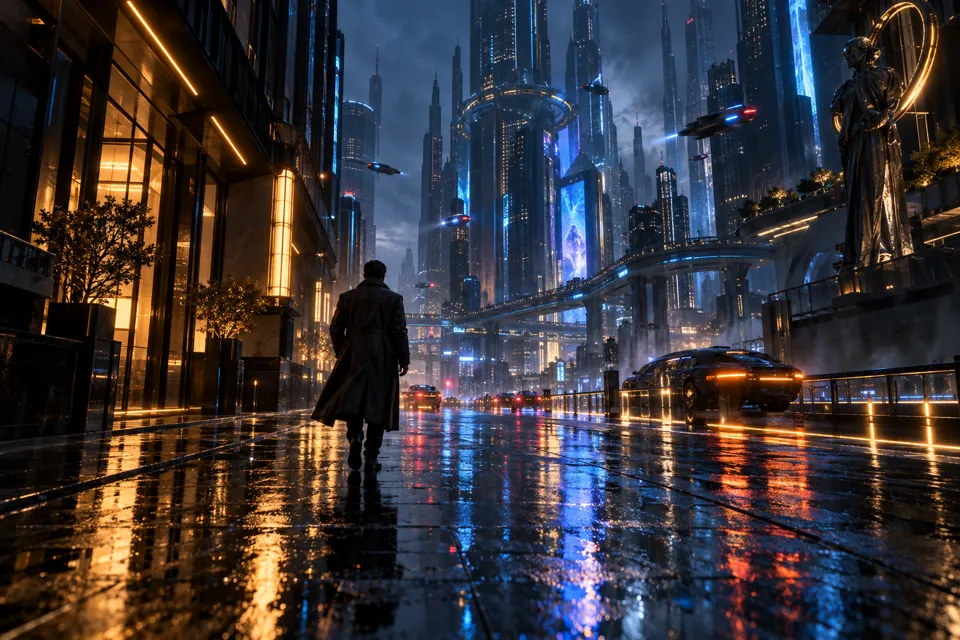
Give your future world a clear visual direction
- 01
Start with a subject or an image
Describe a character, object or futuristic scene. Image starts use one source for identity and composition, plus an optional style reference.
- 02
Choose the world and its light
Set the look, atmosphere, palette and cyberpunk details. Choose framing for a new scene or transformation guidance for a source image. Review the brief and credit quote.
- 03
Compare and refine
Check recognizable features, perspective and light in the result. Compare it with the source, download the artwork and written brief, or refine the selected result with its own settings.
Find a new way to see it.
Create cyberpunk art from a subject or source image. Choose a visual style, lighting, atmosphere and transformation, then compare and refine your result.
Add the requested inputs and use the quote to review the available settings before starting.
Explore related toolsFrequently asked questions
Clear policies on free channels, device privacy and file retention.
Read full product facts- Do I need a photo?
- No. Text starts need a subject or scene description. Image starts need one source image; their subject description is optional. Both produce one artwork.
- What does the second image do?
- It guides palette, materials and drawing style. The source image supplies the main subject and composition. The style reference is not intended to replace their identity.
- Does transformation change a numeric model strength?
- No. Light touch, Reimagine details and Full transformation are written instructions describing what can change. They are not exact strength controls. Inspect the actual result for unwanted changes.
- Will my face or composition stay identical?
- The model is asked to preserve recognizable features, pose, viewpoint and image boundaries. It can still change them. Use Features to keep and the comparison to evaluate each result.
- How does the canvas work?
- Text starts offer square, portrait, wide and phone shapes. Image starts ask for the source canvas and viewpoint. Hidden text framing choices are retained for switching back but are not used for image starts.
- Are the style cards generated previews?
- They are original illustrated guides. Choosing a style keeps your writing and reference images; it does not process them until you confirm a generation quote.
- What can I download?
- Download the original image at its supplied resolution. Image starts also offer a 2048 by 860 PNG fitting both complete images without cropping. Download cyberpunk brief saves the written settings as JSON without private image links.
- How do pricing and file retention work?
- The server confirms the credit quote before you submit. Available specifications and credits are shown in the creator. See Pricing for monthly and annual subscriptions. Reference images upload when you prepare an AI task. Guest results expire after one hour; signed-in creations are retained for 30 days. Download what you want to keep.