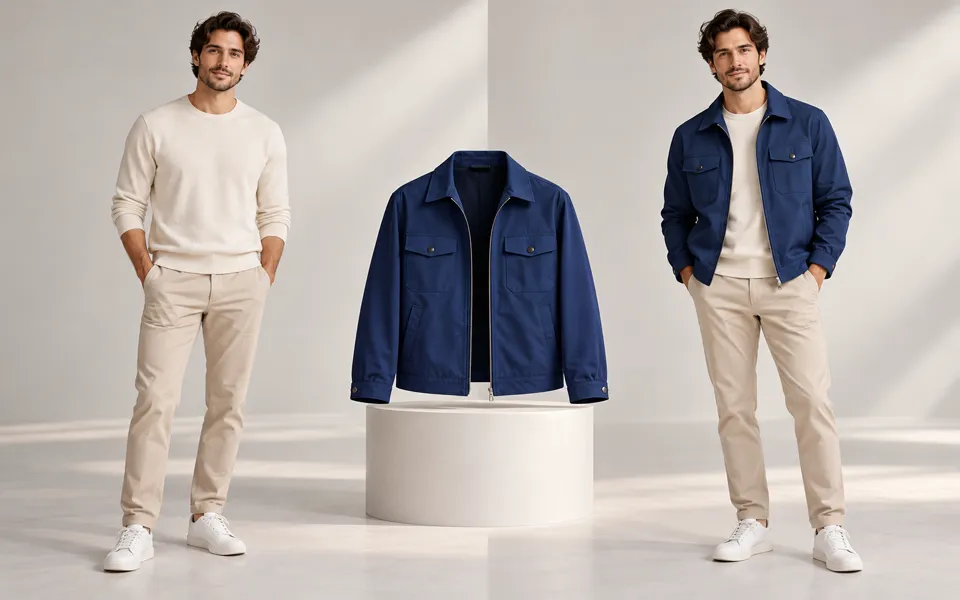
AI Ghost Mannequin Generator
Create a ghost mannequin catalog photo from a garment image. Add inside details and other angles to guide the neckline, lining and fit.
Nano Banana 2 · Review your settings and credit quote
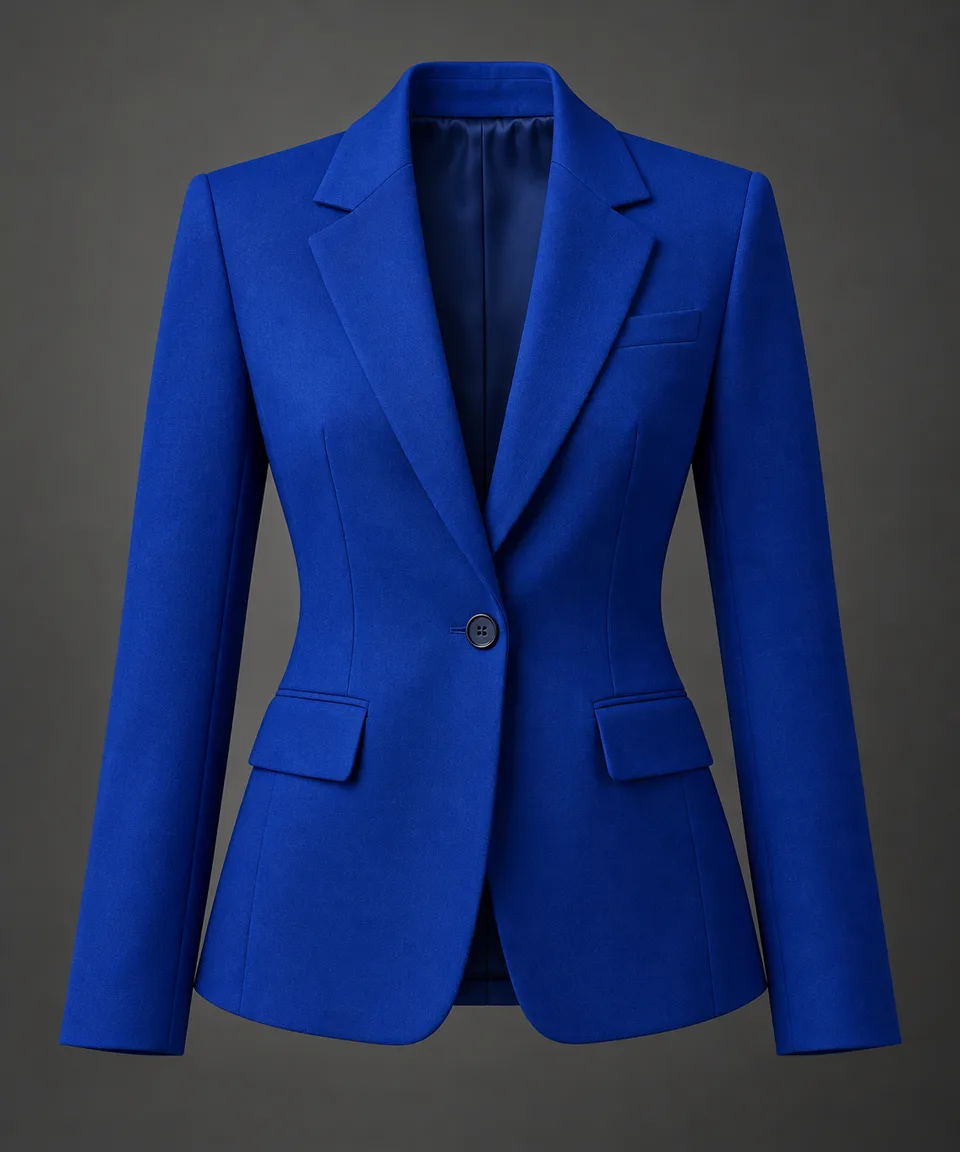
Prepare an apparel catalog photo
- 01
Start with the full garment
Use a clear photo of one garment. Add the inside neckline or waistband to guide its real lining and label. Add more angles if you want a different view.
- 02
Choose the output view
Match the garment photo or pick a view and a studio backdrop. Select an available canvas and resolution to review the quote.
- 03
Compare the garment details
Switch the comparison between the garment and its reference photos. Check the fabric, collar, seams and label, then download the photo or open its saved settings to try another view.
Make your product the focus.
Create a ghost mannequin catalog photo from a garment image. Add inside details and other angles to guide the neckline, lining and fit.
Add the requested inputs and use the quote to review the available settings before starting.
Explore related toolsFrequently asked questions
Clear policies on free channels, device privacy and file retention.
Read full product facts- Do I need an inside photo?
- The main garment photo is required. An inside photo helps guide visible lining, necklines and labels. AI may infer areas your photos do not show.
- Can I show the garment from behind?
- Choose Back and add a back photo of the same garment as an additional angle. Compare the generated photo with that reference before publishing it.
- How do pricing and file retention work?
- The server confirms the credit quote before you submit. Available specifications and credits are shown in the creator. See Pricing for monthly and annual subscriptions. Reference images upload when you prepare an AI task. Guest results expire after one hour; signed-in creations are retained for 30 days. Download what you want to keep.