AI Logo Generator
Create a clear distinctive graphic logo from a photo or a written idea.
Opening local designer…
Nano Banana 2 · Review your settings and credit quote
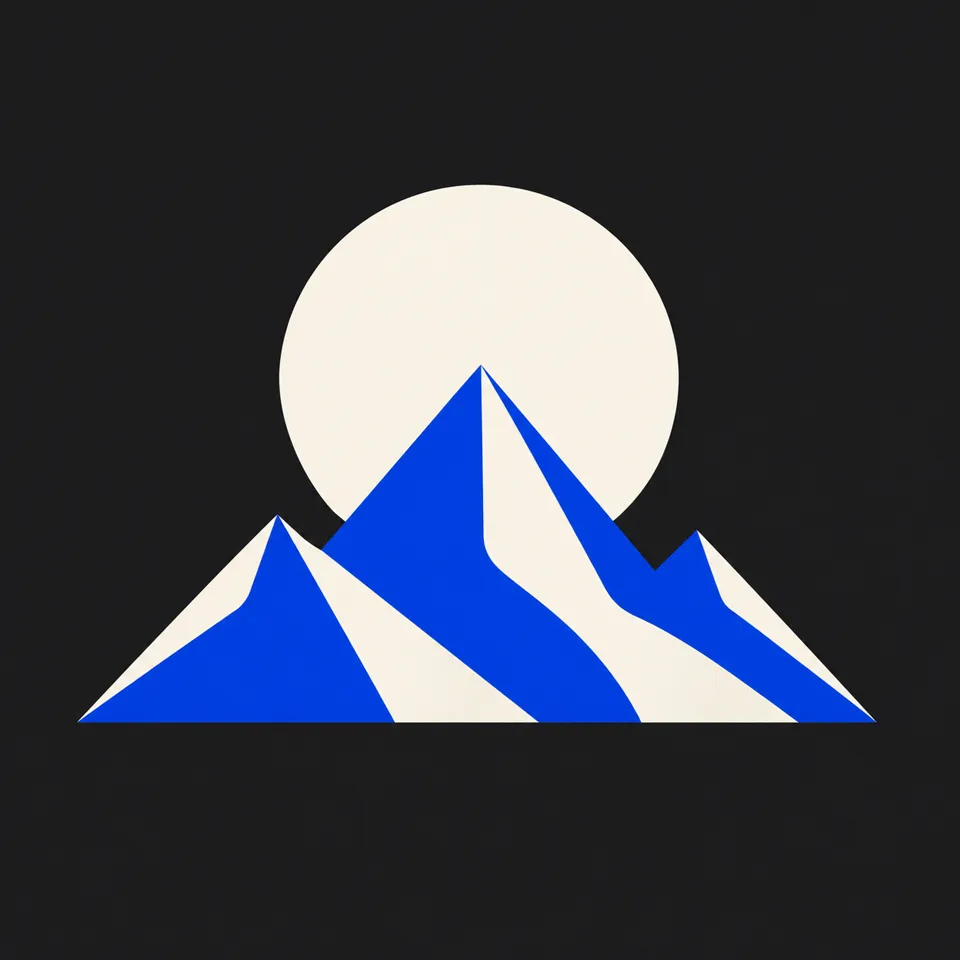
Build a logo concept around one clear idea
- 01
Describe the brand or add a reference
Start in text mode with a name, audience and symbol, or choose photo input for a reference you have permission to use. Try: a round bakery badge with a wheat sprig, warm brown lettering and an ivory background.
- 02
Choose a visual direction
Specify the layout, colors, lettering and background. Choose an image-capable model for photo input and review the supported resolution and credit quote.
- 03
Inspect the mark and refine it
Check spelling, small-size readability and the shape of the symbol. Change one detail at a time, then download the image you want to keep.
Find a new way to see it.
Create a clear distinctive graphic logo from a photo or a written idea.
Add the requested inputs and use the quote to review the available settings before starting.
Explore related toolsFrequently asked questions
Clear policies on free channels, device privacy and file retention.
Read full product facts- Can I create a logo from text or a photo?
- Both inputs are supported through the selected model. Text can describe a new concept. Photo mode uses your uploaded reference to guide the composition.
- Can I control the name, colors and layout?
- Include the exact name and describe the palette, icon and arrangement. AI can misspell text, so inspect each result and refine the prompt if needed.
- What kind of logo file will I get?
- This tool creates an image. Check the generated file format and background before using it in a design. Editable SVG paths and a complete vector brand kit are not promised by this generator.
- How should I check a logo at small sizes?
- Preview the downloaded image at the size you plan to use. Check whether lettering remains readable and whether fine details merge into the background; simplify the direction if needed.
- How do pricing and file retention work?
- The server confirms the credit quote before you submit. Available specifications and credits are shown in the creator. See Pricing for monthly and annual subscriptions. Reference images upload when you prepare an AI task. Guest results expire after one hour; signed-in creations are retained for 30 days. Download what you want to keep.