AI Polaroid Photo Generator
Create an instant-film photo from a scene or one or two photos. Add precise captions, dates and paper frames locally, then download individual photos, a ZIP or a print sheet.
Opening instant-photo studio…
Nano Banana 2 · Review your settings and credit quote
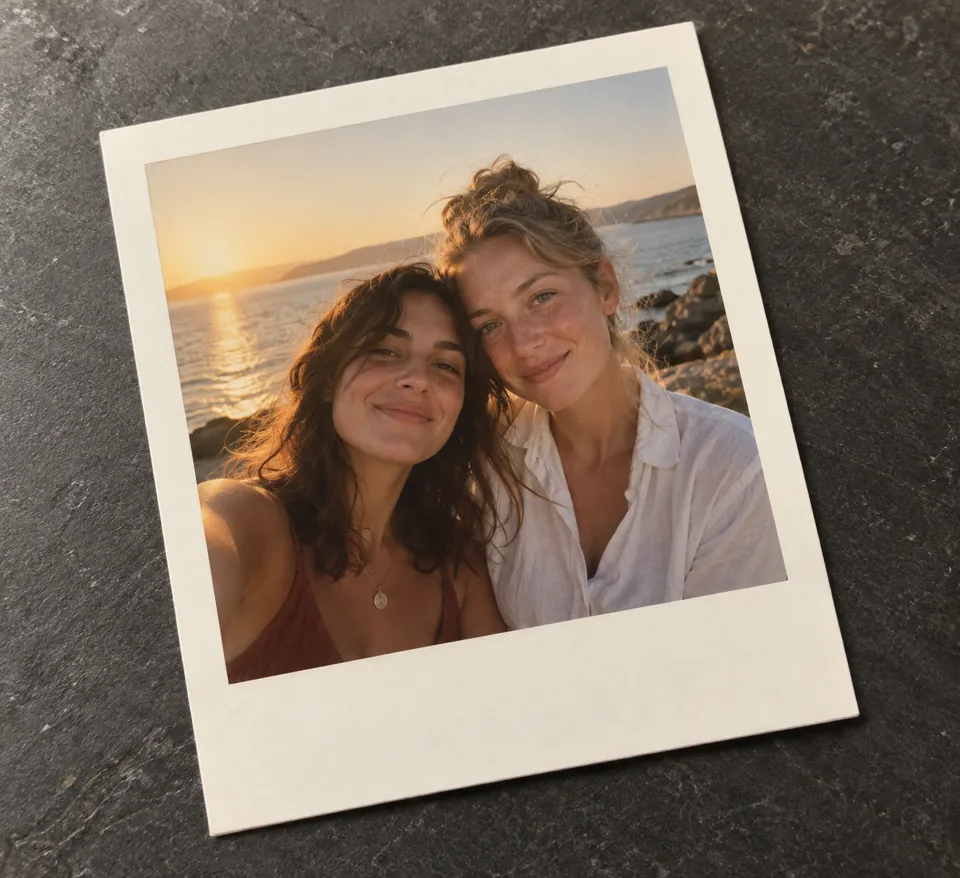
Turn a moment into an instant photo
- 01
Start with a moment
Add up to 20 photos to the free local studio. For AI, choose one or two subject photos, or describe a new scene.
- 02
Frame each photo
Move and zoom each photo, add its own caption and date, then choose a shared paper size, lettering and film finish.
- 03
Keep the memories
Download PNG or JPG, all photos in a ZIP, or an actual-size PDF print sheet. Save an editable project to continue later.
Find a new way to see it.
Create an instant-film photo from a scene or one or two photos. Add precise captions, dates and paper frames locally, then download individual photos, a ZIP or a print sheet.
Add the requested inputs and use the quote to review the available settings before starting.
Explore related toolsFrequently asked questions
Clear policies on free channels, device privacy and file retention.
Read full product facts- Is the local studio free?
- Yes. Local framing, captions and downloads use no credits and do not upload your photos. AI generation is separate and shows a quote before submission.
- Can I combine two people from separate photos?
- Use Photo 1 and the optional Photo 2 in the AI form, choose a pose and describe the moment. The model attempts one coherent photograph; likeness and placement can vary.
- Are captions generated by AI?
- No. The model creates the photograph. The local studio draws exact captions and dates with bundled Latin fonts; unsupported characters show an error.
- How do I print at the right size?
- Choose a frame and download an A4 or US Letter PDF. Print at actual size, 100%, with page scaling off. The sheet uses flat cards without rotation or shadows.
- Are these physical instant-film photos?
- These are digital images with instant-photo proportions. They are not physical film or a camera print. Larger exports cannot recover missing source detail.
- Can I return to my edits?
- Save an editable project before closing the tab. It contains the photos, captions, dates and settings and can be reopened in the studio.
- How do pricing and file retention work?
- The server confirms the credit quote before you submit. Available specifications and credits are shown in the creator. See Pricing for monthly and annual subscriptions. Reference images upload when you prepare an AI task. Guest results expire after one hour; signed-in creations are retained for 30 days. Download what you want to keep.