AI Tattoo Generator
Design a tattoo from an idea or one reference. Prepare clean linework locally, set its print size, and download PNG, editable SVG or a full-size print sheet.
Opening tattoo stencil studio…
Nano Banana 2 · Review your settings and credit quote
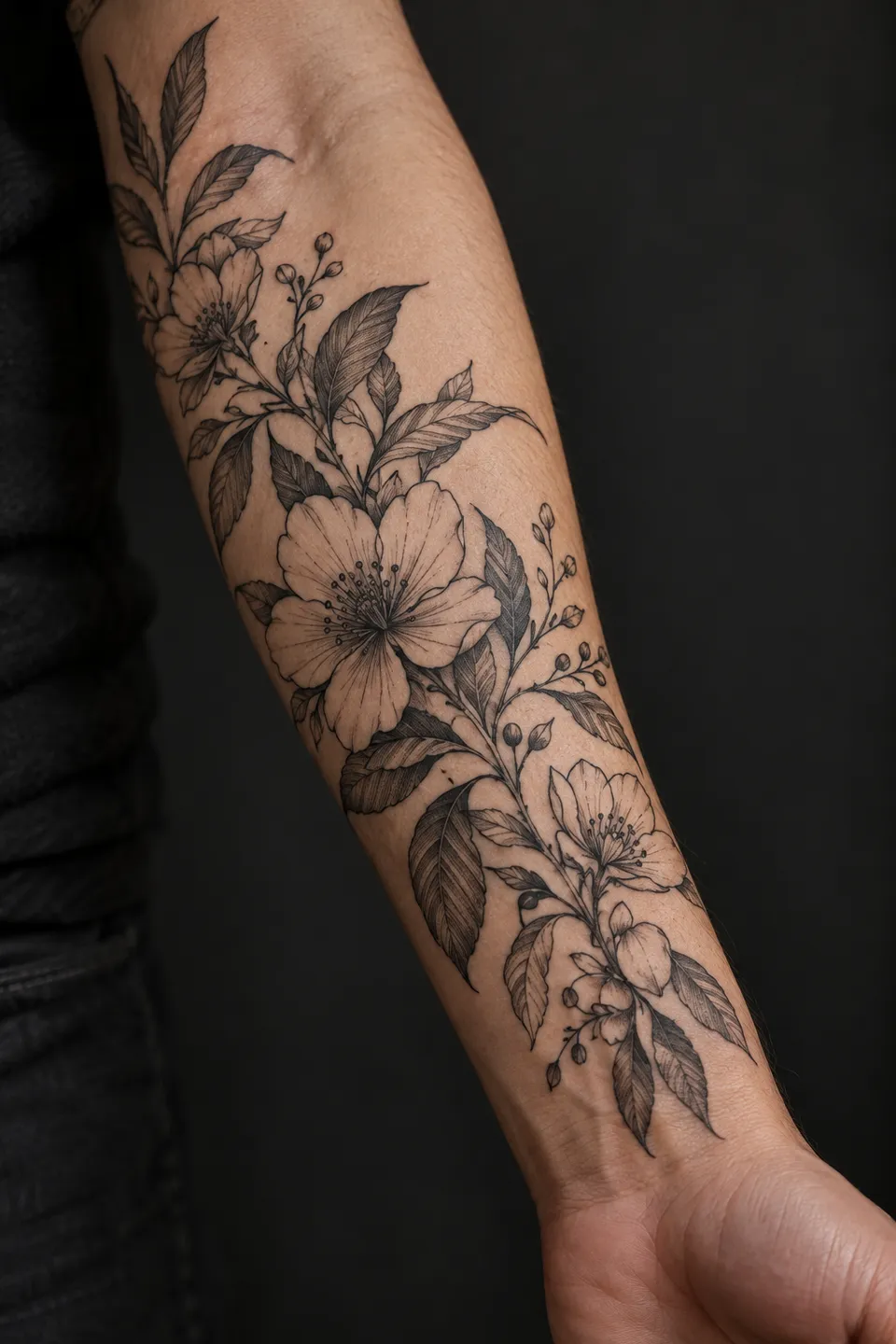
From an idea to a printable design reference
- 01
Choose your starting point
Open an existing drawing in the free stencil studio, or describe a tattoo and choose style, placement, ink and detail in the AI form.
- 02
Prepare the linework
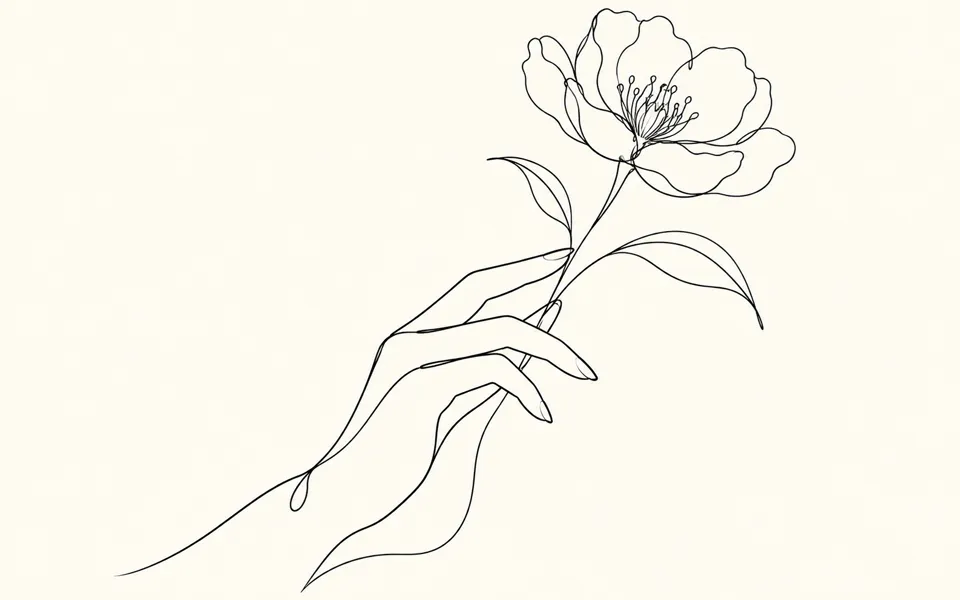
Crop the artwork, choose solid ink, outlines or single lines, then adjust the threshold, small details and line width. Compare with the original and mirror for transfer.
- 03
Set the physical size
Choose millimeters or inches and download a PNG, editable SVG paths or an A4 or Letter PDF. Save a project to keep the original and edit again.
Find a new way to see it.
Design a tattoo from an idea or one reference. Prepare clean linework locally, set its print size, and download PNG, editable SVG or a full-size print sheet.
Add the requested inputs and use the quote to review the available settings before starting.
Explore related toolsFrequently asked questions
Clear policies on free channels, device privacy and file retention.
Read full product facts- Is stencil preparation free?
- Yes. The local studio uses no credits and does not upload your image. AI design generation is separate and shows a credit quote before submission.
- Can I use my own drawing?
- Open a PNG, JPG or WebP locally, or add one design reference in the AI form when you want the model to redraw it. Local line extraction works best on clear drawings with contrasting backgrounds.
- Will the printed design be the exact size?
- The PDF uses the chosen physical dimensions and a 25.4 mm calibration bar. Print at 100% or Actual size. Designs larger than the printable area are tiled with a 5 mm overlap.
- Does a higher DPI create more detail?
- No. Line extraction uses up to 1600 pixels on the longest side. DPI controls exported pixels per printed inch. Inspect export pixels shows that output grid, and SVG contains editable filled paths.
- Can I preview it on skin?
- This tool prepares flat artwork and print sheets. Placement guides the AI composition; it does not simulate a tattoo on your body.
- Is the output ready to tattoo?
- Use it as a design reference. Review the final linework, placement and physical size with your tattoo artist.
- How do pricing and file retention work?
- The server confirms the credit quote before you submit. Available specifications and credits are shown in the creator. See Pricing for monthly and annual subscriptions. Reference images upload when you prepare an AI task. Guest results expire after one hour; signed-in creations are retained for 30 days. Download what you want to keep.