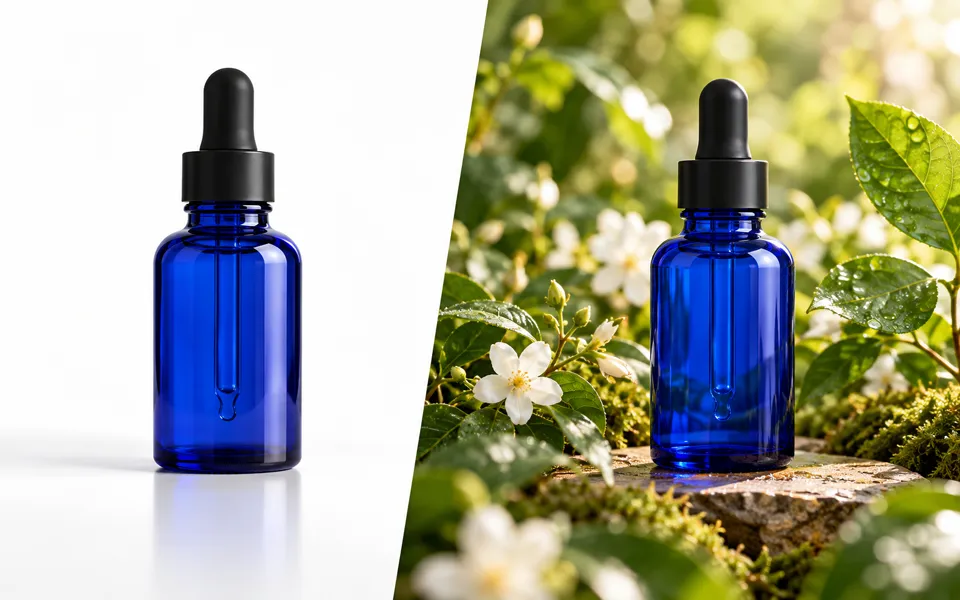
Clone Product Image
Photograph the same product in a new setting with AI, or place an original cutout on a background in your browser.
Opening the placement editor…
Files you add here go to the cloud editor. Check the label, shape and color against your original after generating.
Nano Banana 2 · Review your settings and credit quote

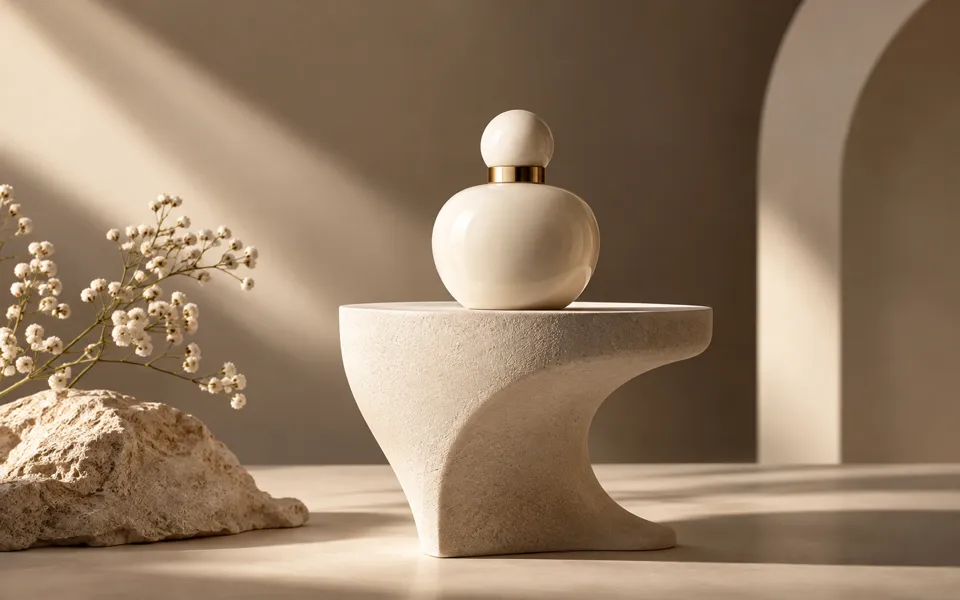
Put the same product in a new scene
- 01
Place an original product cutout
Add a transparent PNG or WebP, a backdrop or fill color, and the canvas shape you need. Position the cutout and download a PNG on your device.
- 02
Generate a scene from references
In the AI editor, add your product photo. Add a scene reference for composition and lighting, or write a short direction and review the quote.
- 03
Check the packaging
Compare the result with your product photo before using it. Open the saved settings to keep the original product while changing the scene.
Make your product the focus.
Photograph the same product in a new setting with AI, or place an original cutout on a background in your browser.
Add the requested inputs and use the quote to review the available settings before starting.
Explore related toolsFrequently asked questions
Clear policies on free channels, device privacy and file retention.
Read full product facts- How can I keep small label text intact?
- Use Place on a background with an original product cutout. At 100% size the cutout is drawn at its original resolution. The AI method can redraw small text and packaging details.
- Do I need two images?
- The placement editor needs a product cutout and can use a solid fill. In the AI editor a scene reference is optional for models that accept one image.
- What size is the local PNG?
- Backdrop size uses the dimensions of your backdrop, or 1600 by 1600 pixels with a solid fill. Square, portrait and landscape shapes crop to fit within those dimensions.
- How do pricing and file retention work?
- The server confirms the credit quote before you submit. Available specifications and credits are shown in the creator. See Pricing for monthly and annual subscriptions. Reference images upload when you prepare an AI task. Guest results expire after one hour; signed-in creations are retained for 30 days. Download what you want to keep.