Styles & Design
Currently unavailableGhibli Style
Paint a photo or written scene as a hand-drawn storybook illustration. Choose the light, brushwork and frame.
Image
No compatible model is available for Ghibli Style.
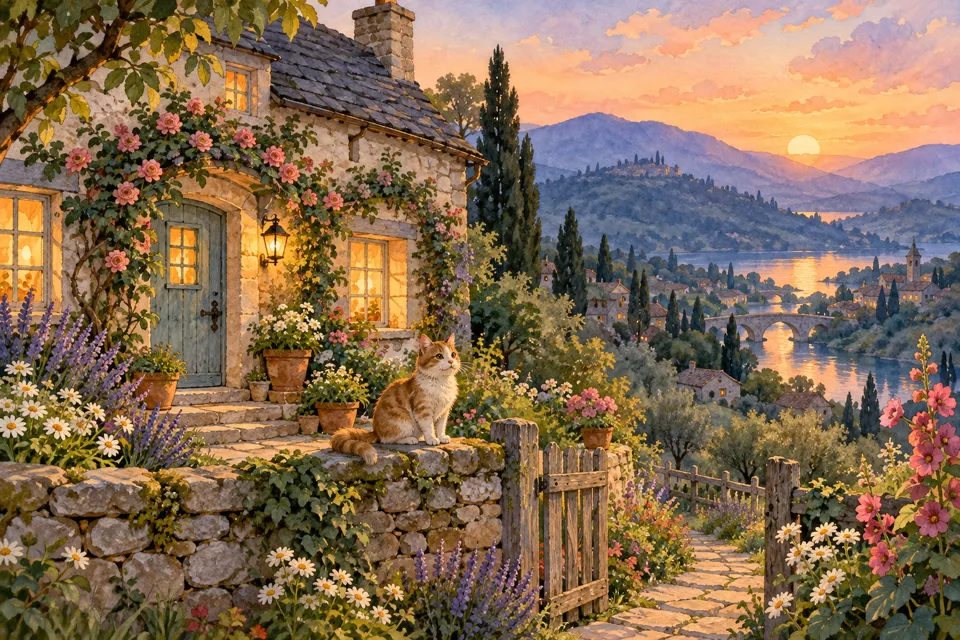
From start to finish
Paint the light in a storybook scene
- 01
Open a photo or describe a scene
Try the landscape sample, open your own image or describe the place you want to paint.
- 02
Choose the mood
Set morning light, soft overcast or blue hour. Keep small landmarks readable or simplify their textures with loose brushwork.
- 03
Review and compare
Choose a frame, check the credit quote and compare a photo result with its original.
Styles & Design · Ghibli Style
Find a new way to see it.
Paint a photo or written scene as a hand-drawn storybook illustration. Choose the light, brushwork and frame.
Add the requested inputs and use the quote to review the available settings before starting.
Explore related toolsProduct details
Frequently asked questions
Clear policies on free channels, device privacy and file retention.
Read full product facts- What kinds of photos work best?
- Use a distinct subject and visible light source. Landscapes with layers of depth give the painting room for foreground and background detail.
- How do pricing and file retention work?
- The server confirms the credit quote before you submit. Available specifications and credits are shown in the creator. See Pricing for monthly and annual subscriptions. Reference images upload when you prepare an AI task. Guest results expire after one hour; signed-in creations are retained for 30 days. Download what you want to keep.

