Keychain
Turn a pet, person or object into a keychain concept. Choose the charm material, attachment and product view, with an optional name.
No compatible model is available for Keychain.
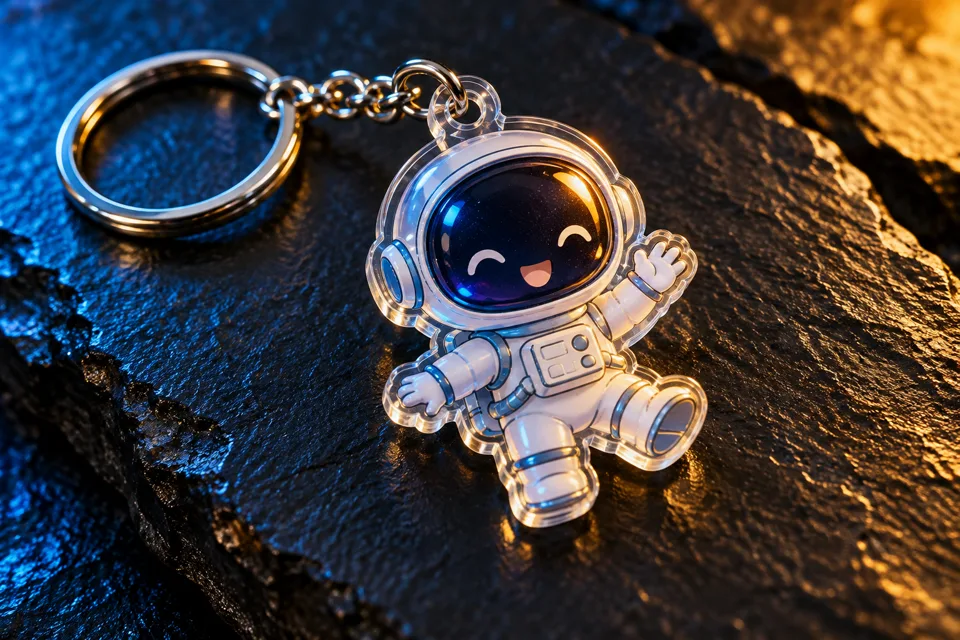
Pick a charm and its attachment
- 01
Choose a source with a clear outline
Open a pet, person, drawing or object. A written description can specify colors and identifying marks.
- 02
Choose a material and hardware
Pick acrylic, resin, rubber or enamel. Set a split ring, swivel clip or ball chain, then pick a product view.
- 03
Check the attachment and detail
Review the quote, then check the outline, hardware and optional name before downloading the image.
Find a new way to see it.
Turn a pet, person or object into a keychain concept. Choose the charm material, attachment and product view, with an optional name.
Add the requested inputs and use the quote to review the available settings before starting.
Explore related toolsFrequently asked questions
Clear policies on free channels, device privacy and file retention.
Read full product facts- What can I use the download for?
- The result is a product concept image for sharing or briefing a maker. A manufacturer can use the picture when preparing production artwork.
- How do pricing and file retention work?
- The server confirms the credit quote before you submit. Available specifications and credits are shown in the creator. See Pricing for monthly and annual subscriptions. Reference images upload when you prepare an AI task. Guest results expire after one hour; signed-in creations are retained for 30 days. Download what you want to keep.