Styles & Design
Currently unavailableMatching Outfits
Give the people in a photo coordinated outfits. Choose a shared pattern or palette, then keep or change the setting.
Image
No compatible model is available for Matching Outfits.
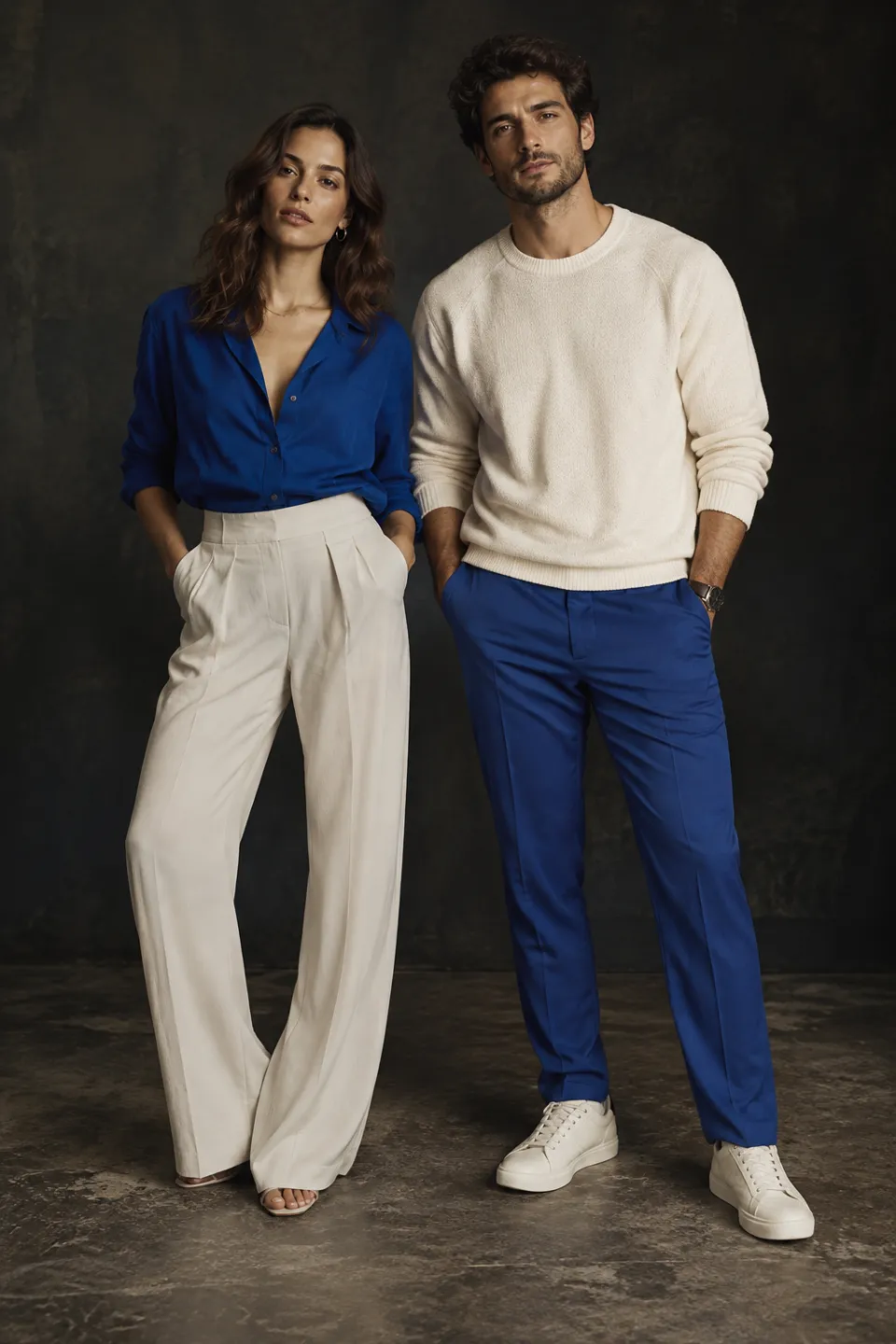
From start to finish
Coordinate the clothes in one photo
- 01
Open a group photo
Choose a clear photo with the people and clothing visible, or describe the group you want.
- 02
Set the shared look
Choose a wardrobe theme and match fabric patterns or coordinate colors. Keep the setting or choose a new one.
- 03
Review each person
Inspect fit, facial details and accessories. Keep the settings and photos to try another version.
Styles & Design · Matching Outfits
Find a new way to see it.
Give the people in a photo coordinated outfits. Choose a shared pattern or palette, then keep or change the setting.
Add the requested inputs and use the quote to review the available settings before starting.
Explore related toolsProduct details
Frequently asked questions
Clear policies on free channels, device privacy and file retention.
Read full product facts- Can each outfit be different?
- Choose Coordinate the colors to vary garment cuts and patterns within one palette.
- How do pricing and file retention work?
- The server confirms the credit quote before you submit. Available specifications and credits are shown in the creator. See Pricing for monthly and annual subscriptions. Reference images upload when you prepare an AI task. Guest results expire after one hour; signed-in creations are retained for 30 days. Download what you want to keep.
