AI Video Filters
Preview adjustable video filters and export a short clip on your device.
Filter a video
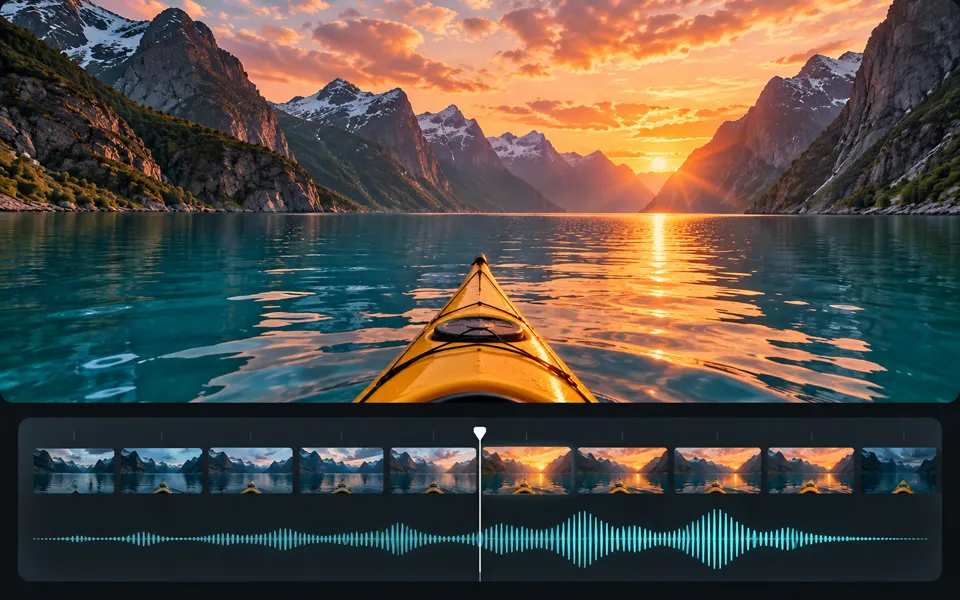
Choose a look, adjust its strength and compare the clip before exporting.
AI video styling
AI video styling is currently unavailable.
Give the next moment a shape.
Preview adjustable video filters and export a short clip on your device.
Choose your own source and use the controls above. The preview and exports are processed on your device.
Explore related tools
A clear path from input to output.
- 01
Choose your source
Open a short video from your device.
- 02
Make it yours
Choose a look, adjust its intensity and compare it with the original while the clip plays.
- 03
Keep the result
Trim the selection and export an MP4 with the original audio or with audio muted.
The right input makes a difference.
Preview adjustable video filters and export a short clip on your device.
Open a short video from your device. Choose a look, adjust its intensity and compare it with the original while the clip plays.
Preview and export on your device without an account or credits. The separate AI option shows a credit quote before generation.
Frequently asked questions
Clear policies on free channels, device privacy and file retention.
Read full product facts- Does this tool upload my files?
- The device workspace processes and exports your work in this browser. Opening the AI option is a separate action.
- What should I expect from the output?
- Trim the selection and export an MP4 with the original audio or with audio muted.
- Can I adjust settings and export again?
- Yes. Reuse your source file and change the settings without credits. Download your files before leaving the page.