Video Outfit Changer
Choose which clothing to replace, then compare the result with the original clip and garment reference.
No compatible model is available for Video Outfit Changer.


See video outfit changer in action.
Choose which clothing to replace, then compare the result with the original clip and garment reference.
Add the requested inputs and use the quote to review the available settings before starting.
Explore related toolsA clear path from input to output.
- 01
Add your references
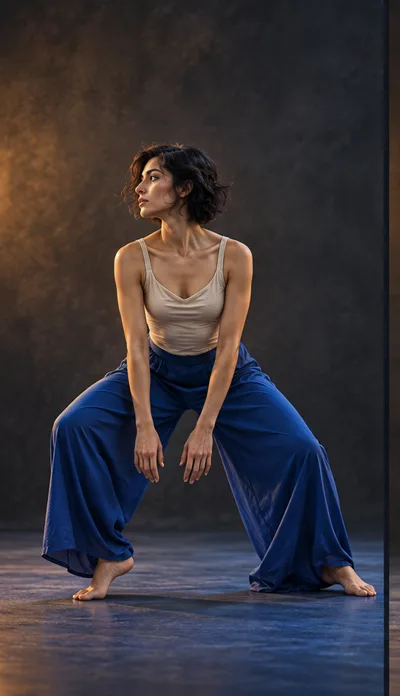
Add a short source clip and a separate photo of the garment.
- 02
Review the settings
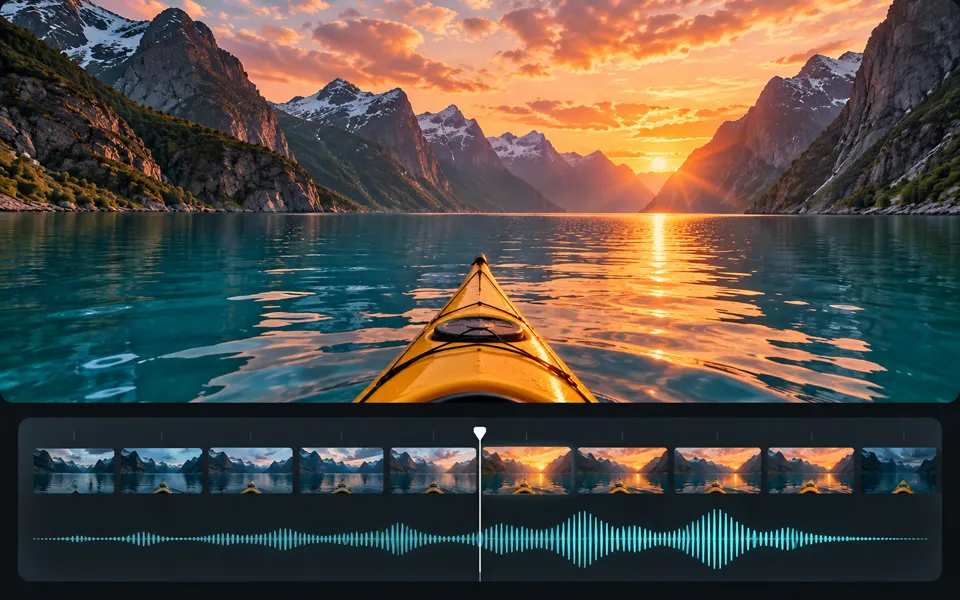
Choose the part of the outfit to replace. You can mark the garment on a frame and choose whether to keep the source audio before reviewing the credit quote.
- 03
Keep the result
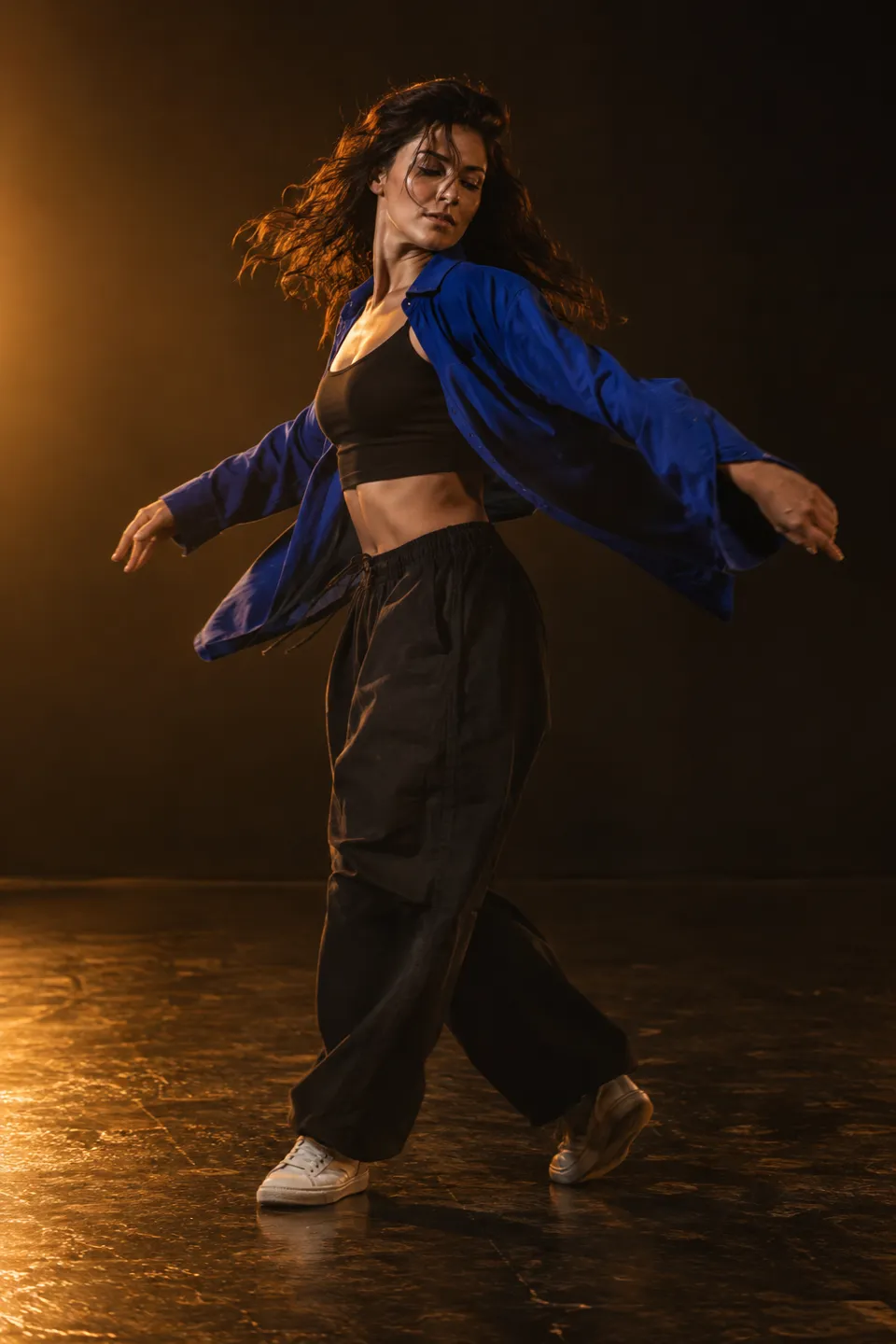
Play the result in sync with the original and check it against the garment photo.
The right input makes a difference.
Replace the main character clothing with the garment from @Image1. Preserve the character identity, movement, camera and background.
Add a short source clip and a separate photo of the garment. Choose the part of the outfit to replace. You can mark the garment on a frame and choose whether to keep the source audio before reviewing the credit quote.
Review the supported settings and credit quote before starting. Uploaded inputs and generated files follow the account retention rules.
Frequently asked questions
Clear policies on free channels, device privacy and file retention.
Read full product facts- What will this task cost?
- The server confirms the credit quote before you submit. Available specifications and credits are shown in the creator. See Pricing for monthly and annual subscriptions.
- What should I expect from the output?
- Play the result in sync with the original and check it against the garment photo.
- How long are my results saved?
- Guest outputs remain available for 1 hour; signed-in creations are saved for 30 days. Download anything you want to keep.