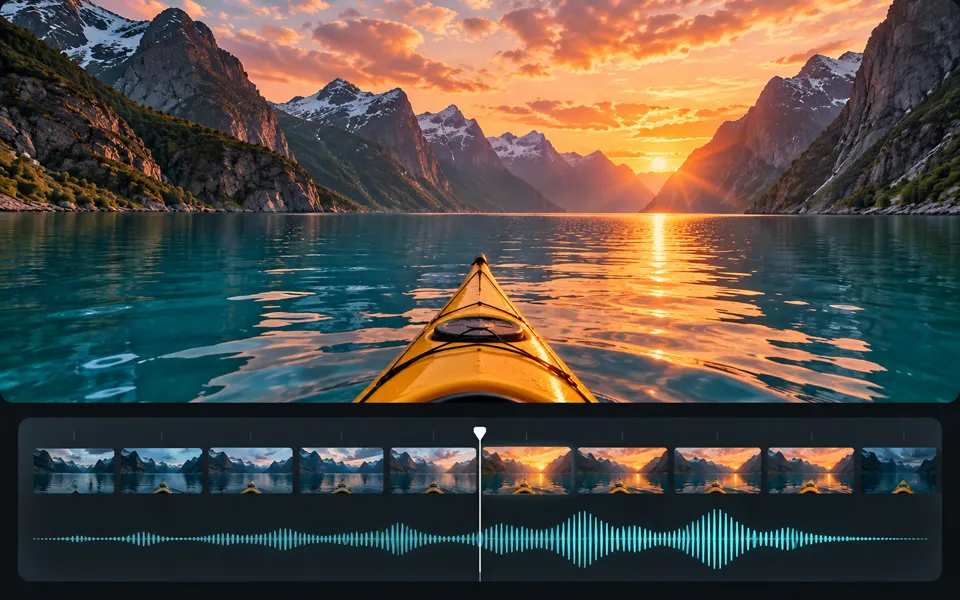
AI Video Reframe
Reframe a clip for portrait, landscape or square video with a live crop preview.
Opening video workspace…
AI recomposition
AI recomposition is currently unavailable.
Give the next moment a shape.
Reframe a clip for portrait, landscape or square video with a live crop preview.
Choose your own source and use the controls above. The preview and exports are processed on your device.
Explore related tools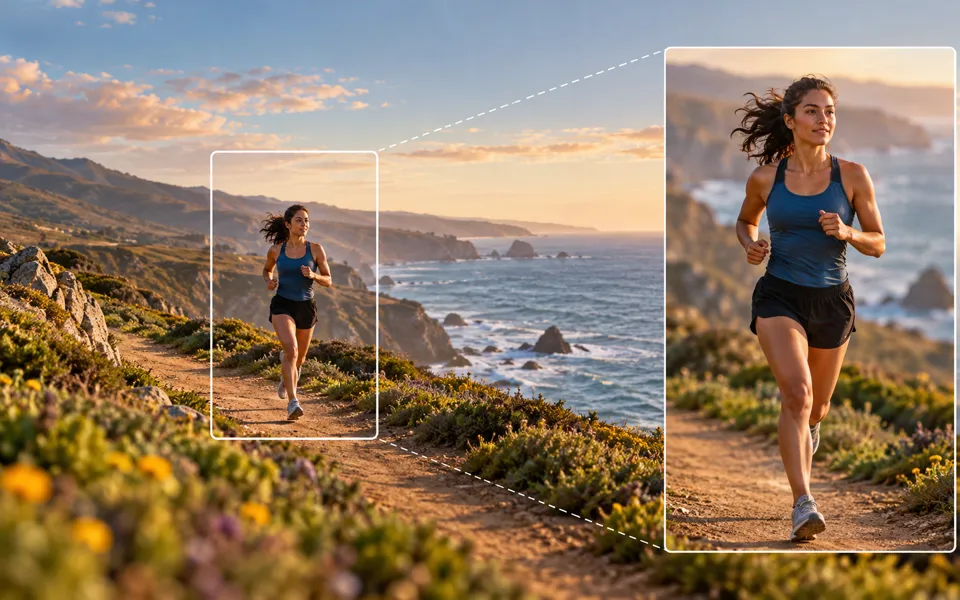
A clear path from input to output.
- 01
Choose your source
Open the clip you want to use in another aspect ratio.
- 02
Make it yours
Pick an aspect ratio and choose whether to fill the frame, fit the full clip or blur the background. Position the clip in the preview.
- 03
Keep the result
Preview the framed selection and download the resized MP4.
The right input makes a difference.
Reframe a clip for portrait, landscape or square video with a live crop preview.
Open the clip you want to use in another aspect ratio. Pick an aspect ratio and choose whether to fill the frame, fit the full clip or blur the background. Position the clip in the preview.
Preview and export on your device without an account or credits. The separate AI option shows a credit quote before generation.
Frequently asked questions
Clear policies on free channels, device privacy and file retention.
Read full product facts- Does this tool upload my files?
- The device workspace processes and exports your work in this browser. Opening the AI option is a separate action.
- What should I expect from the output?
- Preview the framed selection and download the resized MP4.
- Can I adjust settings and export again?
- Yes. Reuse your source file and change the settings without credits. Download your files before leaving the page.