Stadium Trio Swap reference video
Replace multiple video subjects with custom characters while maintaining exact choreography, camera movement, and background action.
The example may include audio. An identical soundtrack, voice or exact lip sync is not guaranteed.
How to use this reference
- Play the complete reference to see how the action, camera and sound fit together.
- Review the photo guide for each role before choosing your references.
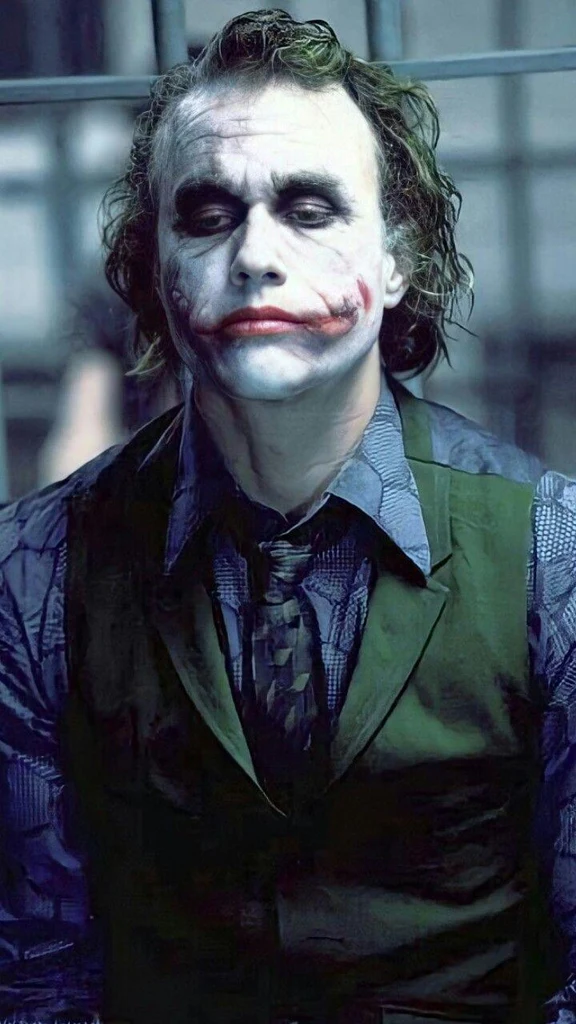 Subject 1
Use one clear adult portrait. Keep the face visible and match this role in the scene guide.
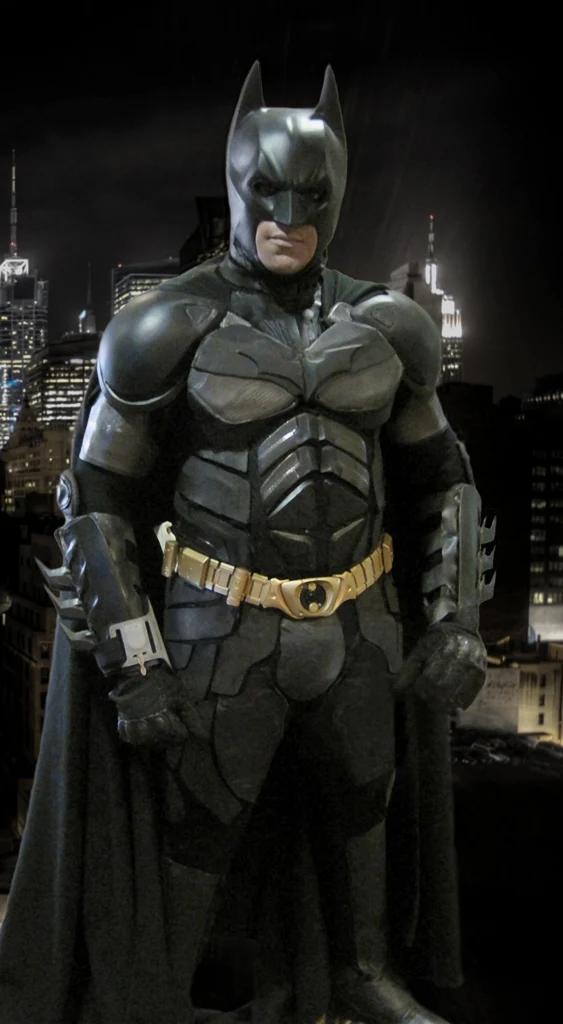 Subject 2
Use one clear adult portrait. Keep the face visible and match this role in the scene guide.
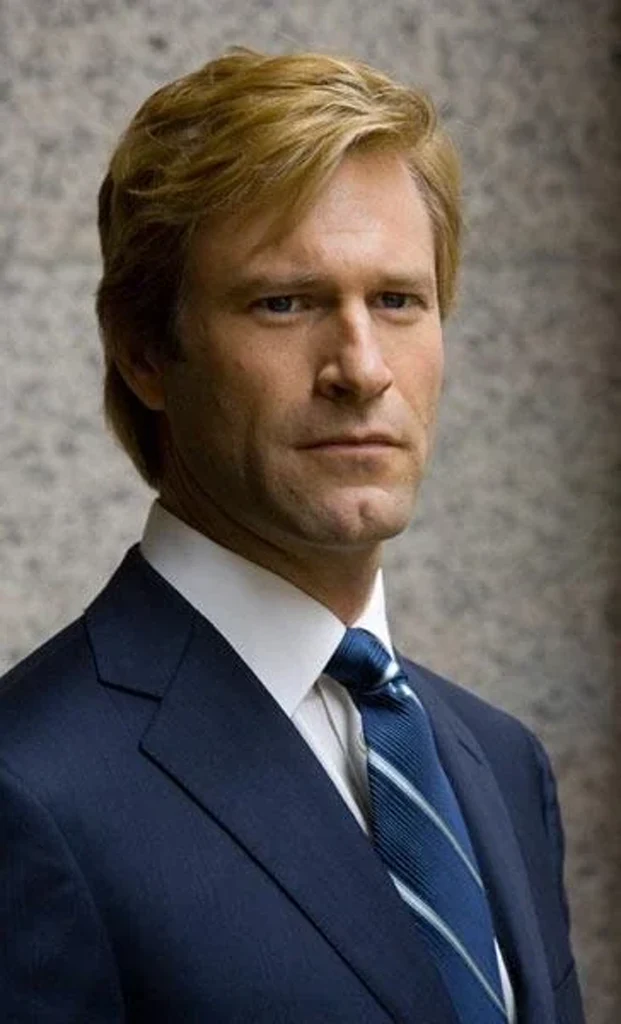 Subject 3
Use one clear adult portrait. Keep the face visible and match this role in the scene guide.
- Use the reference prompt and frame size to plan your own shot.
Scene background
Publication details for any related trend remain unverified for this reference.
A useful starting prompt
Use the uploaded subject 1 and subject 2 and subject 3 to create this scene: Replace multiple video subjects with custom characters while maintaining exact choreography, camera movement, and background action. Keep the subjects recognizable, match the reference motion and camera, and avoid duplicate faces or extra limbs.
Use this as creative direction. Identity, motion and fine details can vary between AI outputs.
Cost and credits
Template generation is currently unavailable. Browse the reference clips and photo guides; these previews are not generated results.
What you can expect
- Framing
- 16:9
- Duration
- 8.078 seconds
- photos
- Subject 1, Subject 2, Subject 3
- Resolution
- 960 × 540
These specifications describe the reference clip. Template generation is currently unavailable.
Recreating the scene
A filmed recreation needs the cast, camera setup and performance. AI uses your role photos and the reference movement to reinterpret the scene. It is a new interpretation, with no promise of an identical shot or an original soundtrack.
Help your photos fit the scene
- Subject 1: Use one clear adult portrait. Keep the face visible and match this role in the scene guide. Use one subject per photo, with good light and no collage.
- Subject 2: Use one clear adult portrait. Keep the face visible and match this role in the scene guide. Use one subject per photo, with good light and no collage.
- Subject 3: Use one clear adult portrait. Keep the face visible and match this role in the scene guide. Use one subject per photo, with good light and no collage.
- For this landscape scene, leave room around the subject for the wider camera composition.
Questions about this scene
How many photos do I need for Stadium Trio Swap?
3 photos: Subject 1, Subject 2, Subject 3. Use one clearly lit subject per photo. Keep the face visible and avoid collages.
Does this use the full reference length?
8.078 seconds. The workflow uses the complete original reference.
Will the original sound be included?
The example may include audio. An identical soundtrack, voice or exact lip sync is not guaranteed.