AI Avatar Generator
Create an avatar from a photo or a persona description. Pick a style, keep distinctive features, then crop, frame and download your avatar on your device.
Opening avatar crop studio…
Nano Banana 2 · Review your settings and credit quote
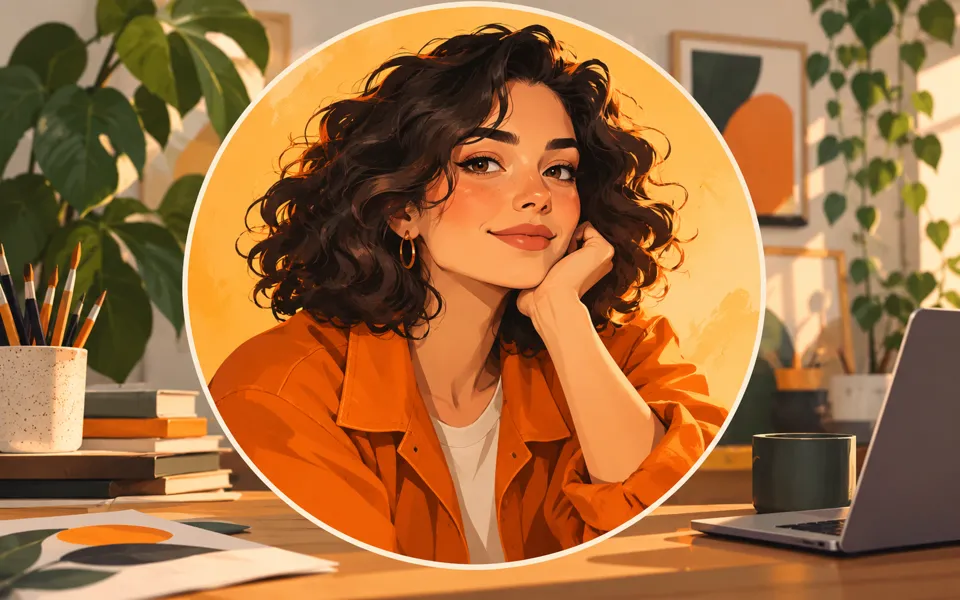
Create an avatar that reads clearly at small sizes
- 01
Start with a photo or a persona
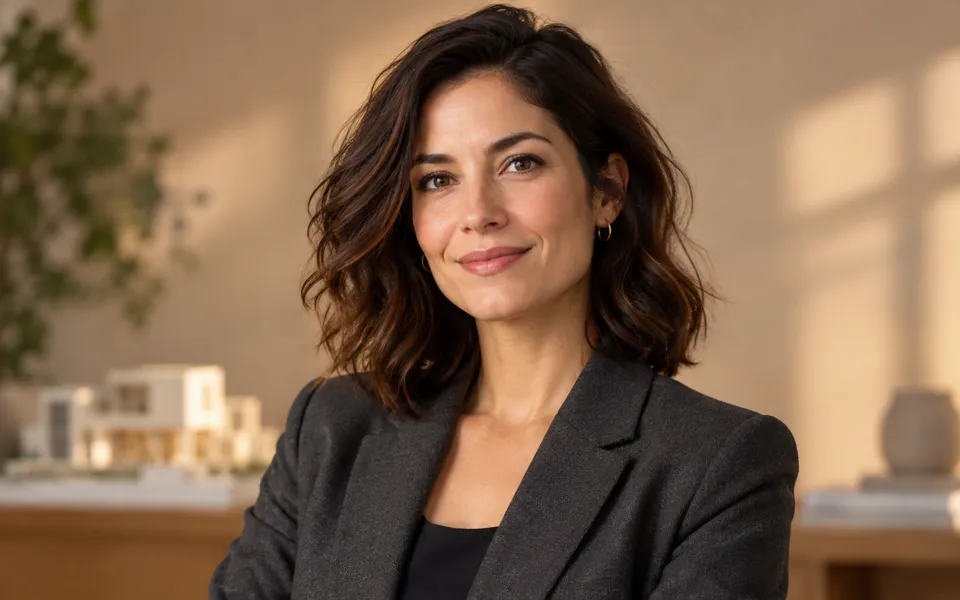
Use one clear photo for recognizable features, or describe an original persona. Keep the face, hair and glasses visible in your reference.
- 02
Choose the style and details
Pick one of eight illustrated styles, describe features to keep and things to avoid, then choose the background, expression and framing. Review the brief and credit quote.
- 03
Finish the crop on your device
Drag and zoom the completed image in Avatar crop studio. Check the 64 px and 32 px previews, choose a shape and border, then download. You can also crop an existing local image for free.
Find a new way to see it.
Create an avatar from a photo or a persona description. Pick a style, keep distinctive features, then crop, frame and download your avatar on your device.
Add the requested inputs and use the quote to review the available settings before starting.
Explore related toolsFrequently asked questions
Clear policies on free channels, device privacy and file retention.
Read full product facts- Do I need a photo?
- No. Start from text to create an original persona. Photo starts use exactly one image to guide recognizable features; an additional avatar description is optional.
- Will the avatar look exactly like me?
- A reference and Features to keep help guide likeness, but the model can change facial features. Compare the eyes, hair, glasses and face shape before using the result.
- Do styles change my photo before generation?
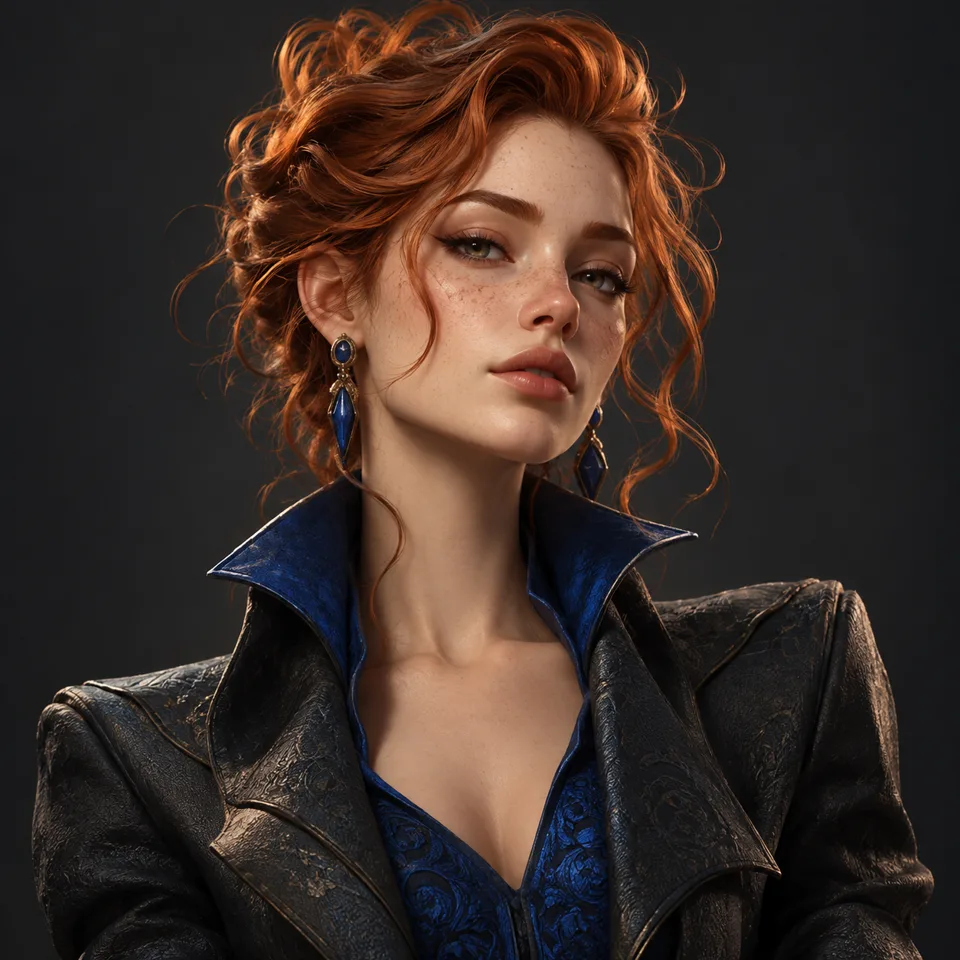
- The style cards are original illustrations of the art direction. They do not process your photo. Switching styles keeps your photo and written settings; generating a new image requires a confirmed credit quote.
- What does Things to avoid do?
- It adds your exclusions to the model instructions. It is guidance, not a guarantee that every unwanted detail will be absent.
- Can I crop an image without generating?
- Yes. Choose local image in Avatar crop studio. Drag, zoom, mirror and add a border locally. These actions do not upload the image or use credits.
- How do I download a round avatar?
- Choose Circle and PNG for transparent corners. Rounded square also preserves transparent corners. JPG fills corners with your chosen background color. Cropping does not remove the background inside the image.
- Why do some profiles want a square image?
- Many profile sites apply their own circular mask. Use Square if the site crops the image itself, and keep the face near the center. The studio shows the output at 64 px and 32 px to help check readability.
- Can I continue a crop later?
- Save avatar project downloads a file containing the original image and current crop settings. Open it in the local studio to continue. Crop edits are not automatically stored in your cloud library.
- Does a larger download add detail?
- No. The studio offers 256, 512, 1024 and 2048 px outputs and warns when the crop is enlarged. The 3D style is a flat image, not a mesh, animated avatar or editable 3D model.
- How do pricing and file retention work?
- The server confirms the credit quote before you submit. Available specifications and credits are shown in the creator. See Pricing for monthly and annual subscriptions. Reference images upload when you prepare an AI task. Guest results expire after one hour; signed-in creations are retained for 30 days. Download what you want to keep.