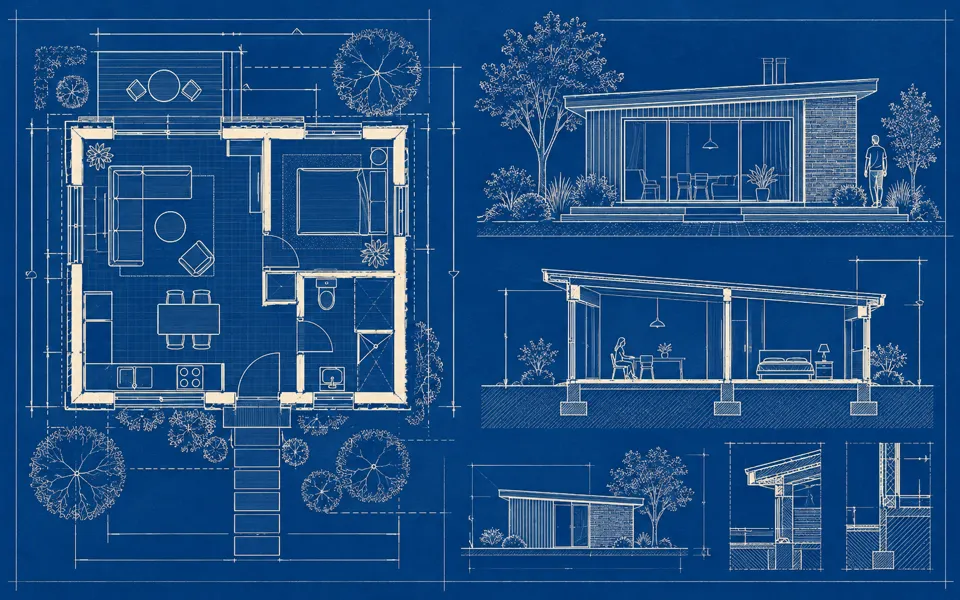
AI Circuit Diagram Generator
Draw and wire an editable schematic, download a diagram, or generate a conceptual illustration.
Opening schematic…
Generate a concept illustration with a credit quote.
Nano Banana 2 · Review your settings and credit quote
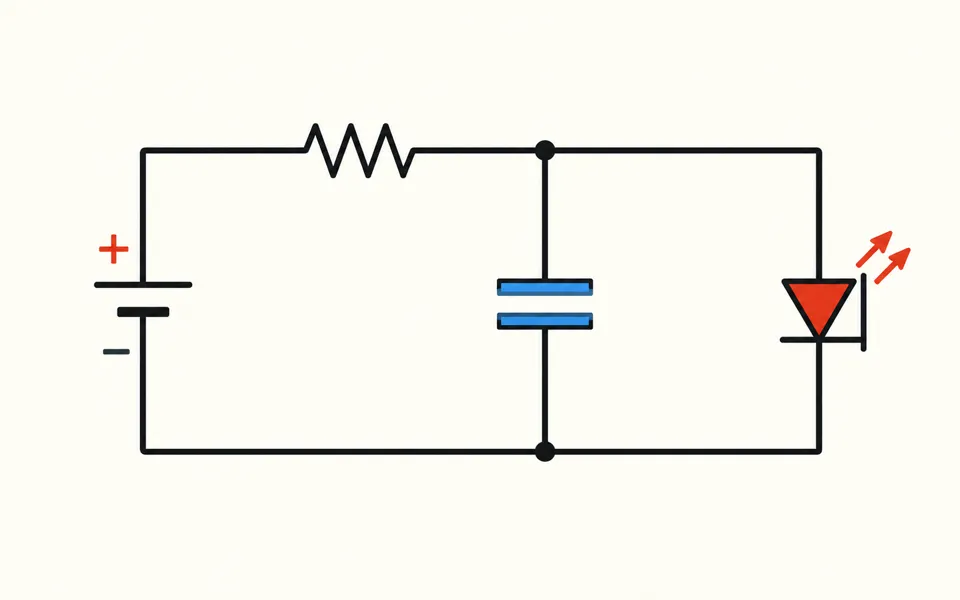
Build the diagram from its connections
- 01
Place components
Find a symbol, place it on the grid, and give it a label and value. Load the example to start from a small connected diagram.
- 02
Connect pins and junctions
Choose two endpoints to draw a wire. Place a junction to join wires at a crossing. Connections follow a part when it moves.
- 03
Save the drawing
Download the editable project, SVG or PNG. Open AI illustration to review a quote from the schematic brief or your own prompt.
See where your idea can go.
Draw and wire an editable schematic, download a diagram, or generate a conceptual illustration.
Add the requested inputs and use the quote to review the available settings before starting.
Explore related toolsFrequently asked questions
Clear policies on free channels, device privacy and file retention.
Read full product facts- Does the schematic need an account?
- The editor, project files and diagram downloads work on your device. The working drawing stays in this tab. Save a project file to reopen it in another tab or browser.
- When do crossed wires join?
- Connections use the same pin or junction. Add a junction at a crossing to join the wires there.
- What can I do from the keyboard?
- Focus the canvas, move the cursor with the arrows and press Enter. Use Alt with an arrow to move the selected part, R to rotate, and Escape to leave the current tool.
- How do pricing and file retention work?
- The server confirms the credit quote before you submit. Available specifications and credits are shown in the creator. See Pricing for monthly and annual subscriptions. Reference images upload when you prepare an AI task. Guest results expire after one hour; signed-in creations are retained for 30 days. Download what you want to keep.