AI Comic Generator
Create comic art from a story or character reference. Plan one to four panels, choose a drawing style and add editable speech bubbles, captions and sound effects locally.
Opening comic editor…
Nano Banana 2 · Review your settings and credit quote
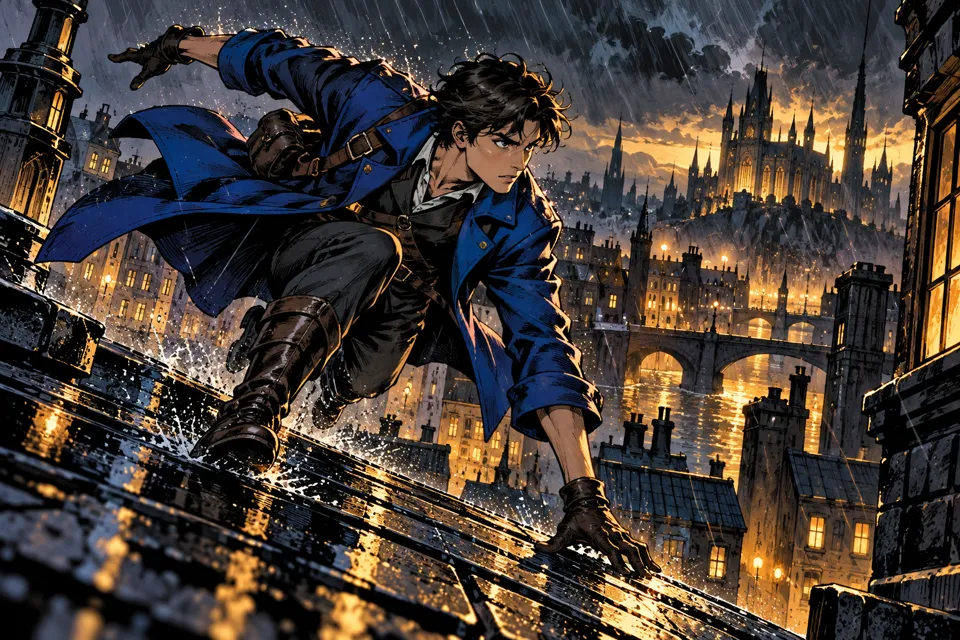
Turn your story into comic art
- 01
Plan a scene or short story
Write your story, describe the cast and setting, or start from a character reference. An optional second image guides drawing style.
- 02
Choose the page
Pick a drawing style, one to four panels, reading direction, color and mood. Add panel notes, review the brief and request a quote.
- 03
Add your own words
Open the result in the lettering editor. Place speech bubbles, thoughts, captions and sound effects, then download a PNG, PDF or editable project.
Find a new way to see it.
Create comic art from a story or character reference. Plan one to four panels, choose a drawing style and add editable speech bubbles, captions and sound effects locally.
Add the requested inputs and use the quote to review the available settings before starting.
Explore related toolsFrequently asked questions
Clear policies on free channels, device privacy and file retention.
Read full product facts- Can I make a multi-panel comic?
- Choose a single panel, two panels, a three-panel strip, a four-panel grid or a four-panel vertical page. These are generation instructions; check the result for panel count and character consistency.
- Can I use my own character?
- Upload a PNG, JPEG or WebP as the character or scene reference. Describe its distinctive features in Cast. The model is asked to keep these features while changing poses and staging for the story.
- Does the generated artwork include dialogue?
- The generation prompt asks for artwork without lettering. Add editable words afterward in the local editor so you can correct and position them without another generation.
- Is the lettering editor free?
- Yes. Open your own artwork in the lettering editor to edit locally without signing in or uploading it. AI generation uses the credit quote shown before submitting.
- Can I reopen an edited comic?
- Download editable project includes the artwork and up to 12 lettering elements. Open it in this editor later. Changes kept in the current tab are cleared when you sign out or leave the page, so download the project to keep them.
- What can I export?
- PNG and PDF contain the complete artwork and lettering, without cropping. Imported images are prepared up to 3072 pixels on the longest side. PDF is a single raster page at 96 pixels per inch; it does not contain editable text or print bleed. The separate brief saves the original generation settings.
- How do pricing and file retention work?
- The server confirms the credit quote before you submit. Available specifications and credits are shown in the creator. See Pricing for monthly and annual subscriptions. Reference images upload when you prepare an AI task. Guest results expire after one hour; signed-in creations are retained for 30 days. Download what you want to keep.