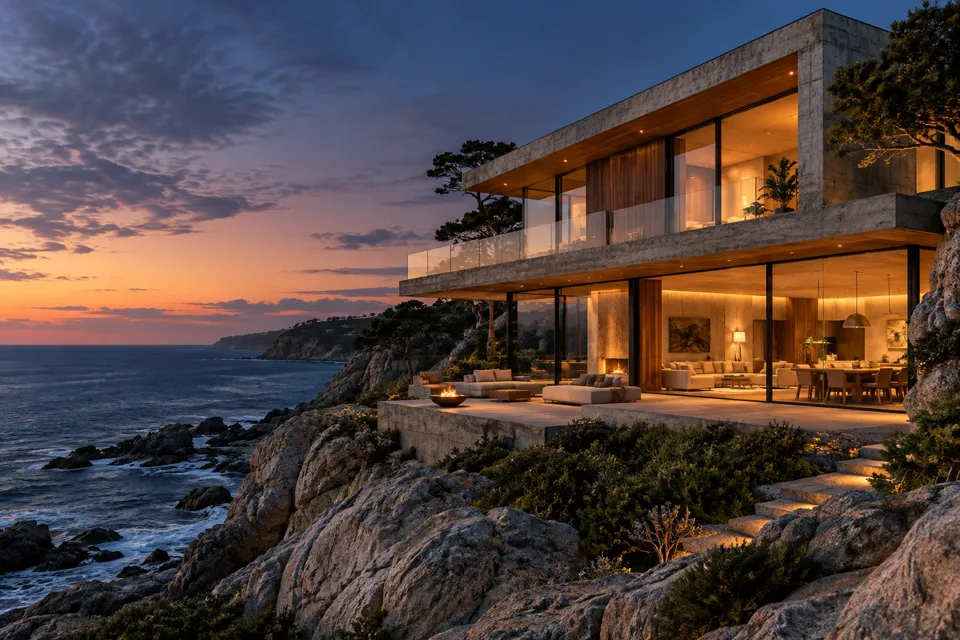
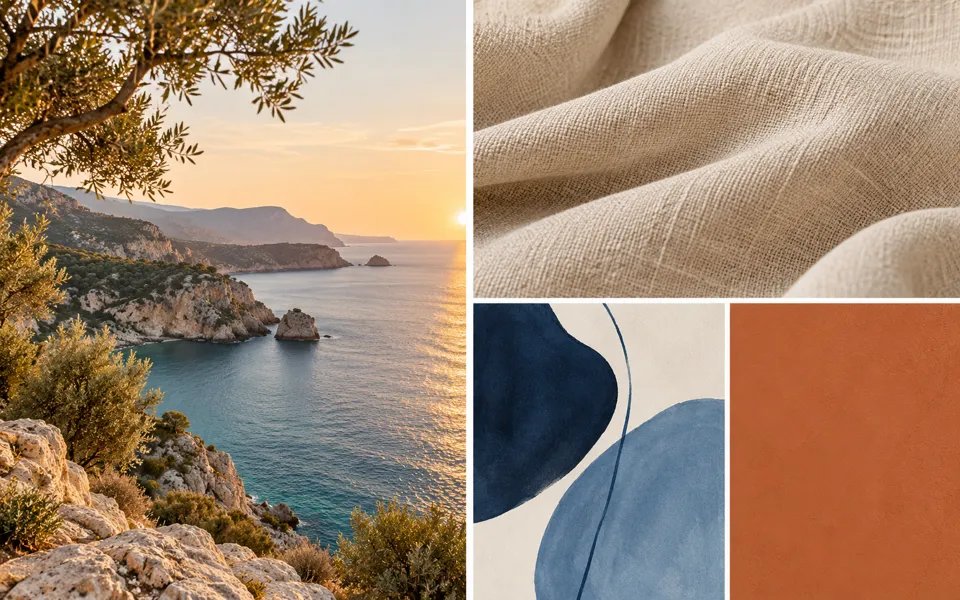
AI Landscape Generator
Create a landscape from a scene image or written idea. Set the terrain, season, weather, lighting, style and composition, then compare and refine your result.
Nano Banana 2 · Review your settings and credit quote
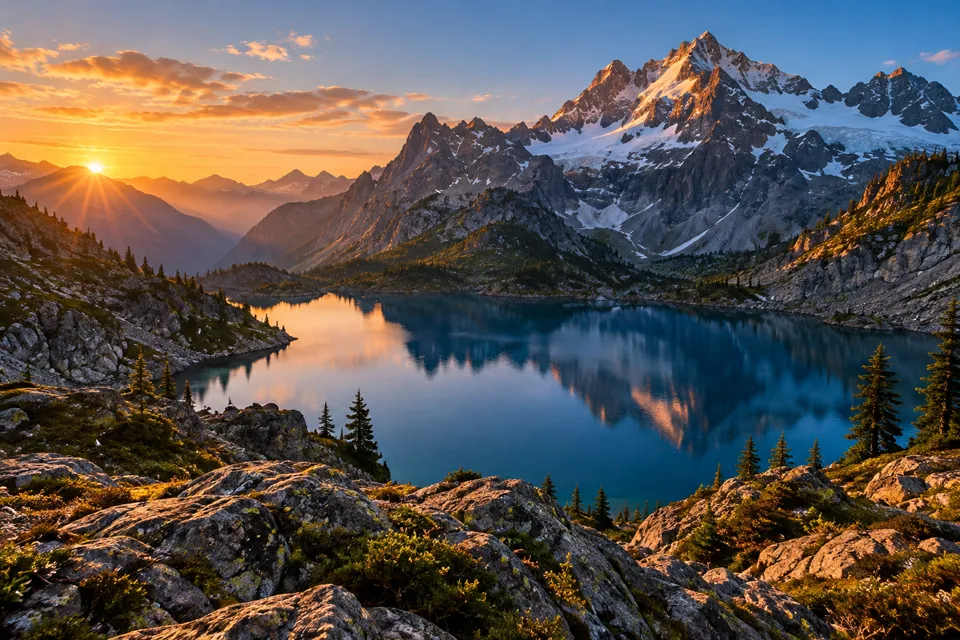
Build a landscape around your scene
- 01
Start with an idea or scene
Describe a natural or imagined place, or upload a photo, artwork or sketch. A second image can guide color and style without replacing the first scene.
- 02
Set the atmosphere
Choose a visual style, season, weather and lighting. Text starts also offer terrain, composition, camera view and five canvas shapes. Add details to keep or avoid, then review the brief and quote.
- 03
Compare and continue
Review the horizon, landforms and atmosphere with a wipe or side-by-side view. Download the generated image, comparison PNG and written brief. Refine this landscape starts from the selected result and its own settings.
Find a new way to see it.
Create a landscape from a scene image or written idea. Set the terrain, season, weather, lighting, style and composition, then compare and refine your result.
Add the requested inputs and use the quote to review the available settings before starting.
Explore related toolsFrequently asked questions
Clear policies on free channels, device privacy and file retention.
Read full product facts- Is this for scenery or garden plans?
- It creates scenic images: mountains, forests, beaches, rivers, countryside, cities and imagined worlds. It does not produce measured garden plans, geographic surveys or editable 3D terrain.
- Can I start with a sketch?
- Yes. Upload a PNG, JPEG or WebP and choose Sketch or composition study. The prompt asks the model to turn its shapes into scenery while retaining the landform arrangement, horizon and viewpoint.
- What does the second reference do?
- The optional style reference guides color, texture and art style. The first image defines the scene composition. Changing the visual style keeps both references and your written details.
- Can I choose a season and weather?
- Choose spring, summer, autumn or winter, then clear sky, mist, overcast, storm clouds or falling snow. From the scene leaves the season to your description or source. Lighting ranges from dawn to moonlit night.
- Can I move the camera?
- Text starts offer eye level, a low viewpoint and an elevated view, plus balanced, leading-line, foreground, reflection and open-vista compositions. Image starts keep the original viewpoint and canvas for comparison. These are written instructions; check the actual generated result.
- Which canvas shapes are available?
- Text starts offer 16:9, 4:3, 3:2, 1:1 and 3:4. Image starts use the source framing. Available models must have verified pricing and support the tool settings.
- What can I download?
- Download image gives the original generated file. Image starts also offer a 2048 by 860 comparison PNG that fits both complete images. Download landscape brief saves the written settings as JSON without private image links.
- How do pricing and file retention work?
- The server confirms the credit quote before you submit. Available specifications and credits are shown in the creator. See Pricing for monthly and annual subscriptions. Reference images upload when you prepare an AI task. Guest results expire after one hour; signed-in creations are retained for 30 days. Download what you want to keep.