AI Pet Portrait Generator
Turn one pet photo or an animal description into a portrait. Choose an art style, preserve distinctive markings, and set the background, composition, pose, accessories and canvas shape.
Nano Banana 2 · Review your settings and credit quote
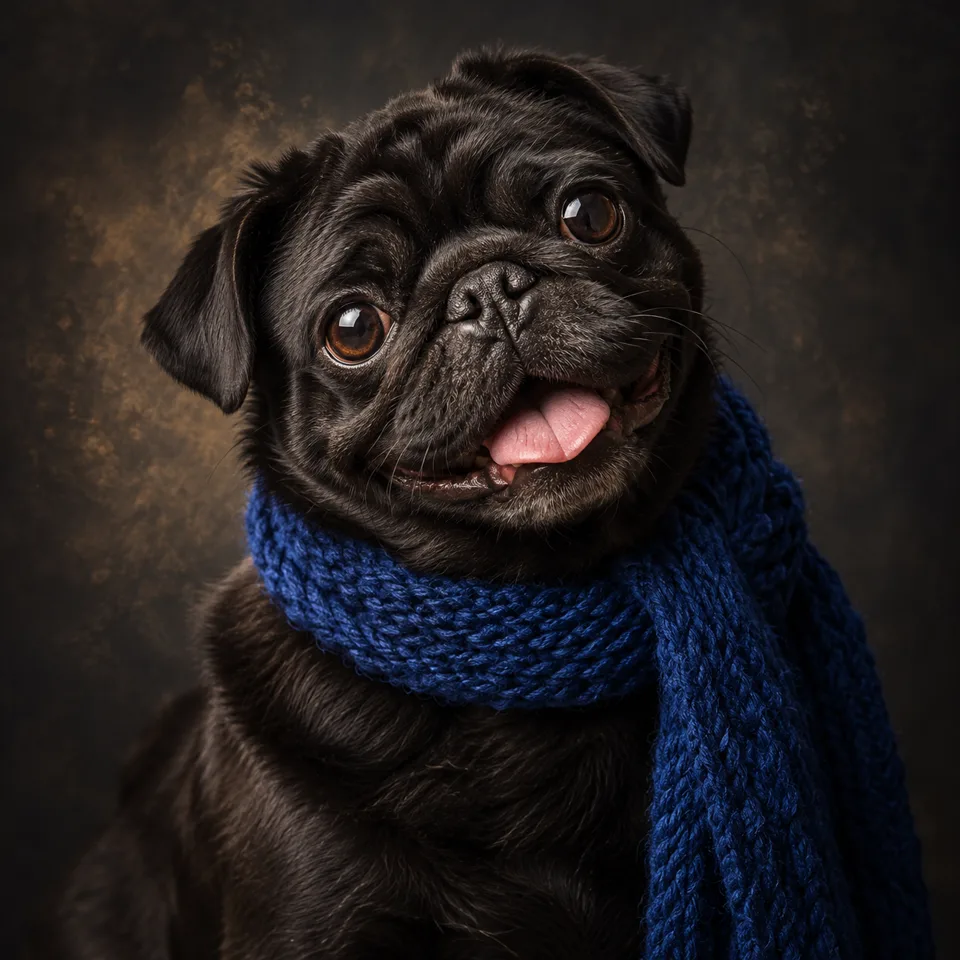
Give your pet a portrait of their own
- 01
Start with a pet photo or an animal description
Use one clear photo with visible eyes, ears and markings. Text creates an original animal. Add distinctive features such as a white chest patch or one dark ear.
- 02
Choose the art and composition
Browse ten illustrated styles, from watercolor and oil painting to studio photography and fantasy. Set the background, pose, accessory, crop and canvas shape. Your photo and written details stay in place when the style changes.
- 03
Review, compare and reuse
Confirm the credit quote for one image. Compare the face, coat pattern and anatomy with your source. Reuse the settings to try a new style, or download the result.
Find a new way to see it.
Turn one pet photo or an animal description into a portrait. Choose an art style, preserve distinctive markings, and set the background, composition, pose, accessories and canvas shape.
Add the requested inputs and use the quote to review the available settings before starting.
Explore related toolsFrequently asked questions
Clear policies on free channels, device privacy and file retention.
Read full product facts- Which pets can I use?
- Dogs, cats, birds and other animals can be subjects. Describe the species in text mode. In photo mode, use a clear reference of one pet and inspect the species-specific features in the result.
- How do I keep distinctive markings?
- Use Markings and features to keep for coat patches, ear tips, eye color and similar details. The directions preserve identity, but AI can still change small features; compare them with the source.
- Will changing a style remove my photo?
- No. Style choices preserve your photo, custom setting, accessory text and other controls. Each new generation has its own quote.
- Can I remove a collar or add a bandana?
- Use No accessories, Keep original, a preset accessory or your own description. In text mode, Keep original becomes No added accessory because there is no reference.
- Can I include several pets?
- This workflow accepts one reference image and is designed for one pet. Separate portraits are easier to check for likeness. It does not merge multiple pet photos.
- Are the style cards previews of my pet?
- They are original illustrations that explain the art direction. They do not process your photo. A result is created only after you confirm the credit quote.
- Can I print the result?
- Download the image and check its actual pixel dimensions before choosing a print size. Canvas shape controls composition; it does not guarantee a physical print size or sharpness. This tool does not order or ship prints.
- How do pricing and file retention work?
- The server confirms the credit quote before you submit. Available specifications and credits are shown in the creator. See Pricing for monthly and annual subscriptions. Reference images upload when you prepare an AI task. Guest results expire after one hour; signed-in creations are retained for 30 days. Download what you want to keep.