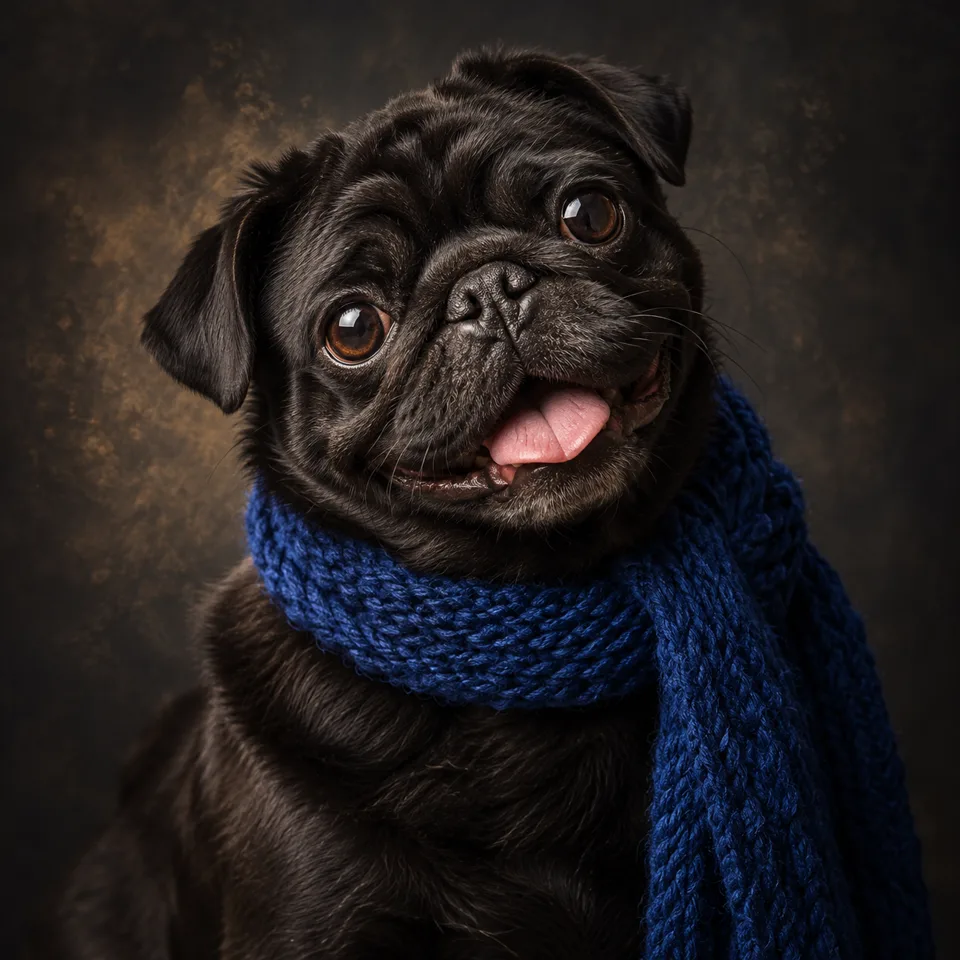
Photo to Painting
Create a textured fine-art oil painting from a photo or a written idea.
Nano Banana 2 · Review your settings and credit quote

Choose the brushwork for a painted photo
- 01
Add the photo you want to reinterpret
Choose photo input and a model with image reference support. Use a source with a visible subject, balanced light and enough detail for the composition.
- 02
Name the medium and visual direction
Try: an oil painting with visible brush strokes and a warm muted palette, preserving the subject and composition. Review the supported settings and credit quote.
- 03
Refine texture, color and composition
Compare the important shapes with the source. Adjust the brush size, color palette or background detail, then download the version you prefer.
Find a new way to see it.
Create a textured fine-art oil painting from a photo or a written idea.
Add the requested inputs and use the quote to review the available settings before starting.
Explore related toolsFrequently asked questions
Clear policies on free channels, device privacy and file retention.
Read full product facts- Can I use portraits, pets or landscapes?
- Use a clear reference for any of these subjects. Explain which details should remain recognizable and which parts can become more expressive.
- How do I choose oil paint or watercolor?
- Name the medium in your direction and describe the texture, palette and edge treatment. For example, ask for visible oil brush strokes or soft translucent watercolor washes.
- Can I preserve the original composition?
- Ask the model to retain the framing, pose and major shapes, then inspect the result. AI interpretation can still change small objects and facial details.
- Will my download be ready for any print size?
- Check the actual output dimensions and your printer's requirements. Choose a supported resolution before generation and inspect the downloaded file before printing.
- How do pricing and file retention work?
- The server confirms the credit quote before you submit. Available specifications and credits are shown in the creator. See Pricing for monthly and annual subscriptions. Reference images upload when you prepare an AI task. Guest results expire after one hour; signed-in creations are retained for 30 days. Download what you want to keep.