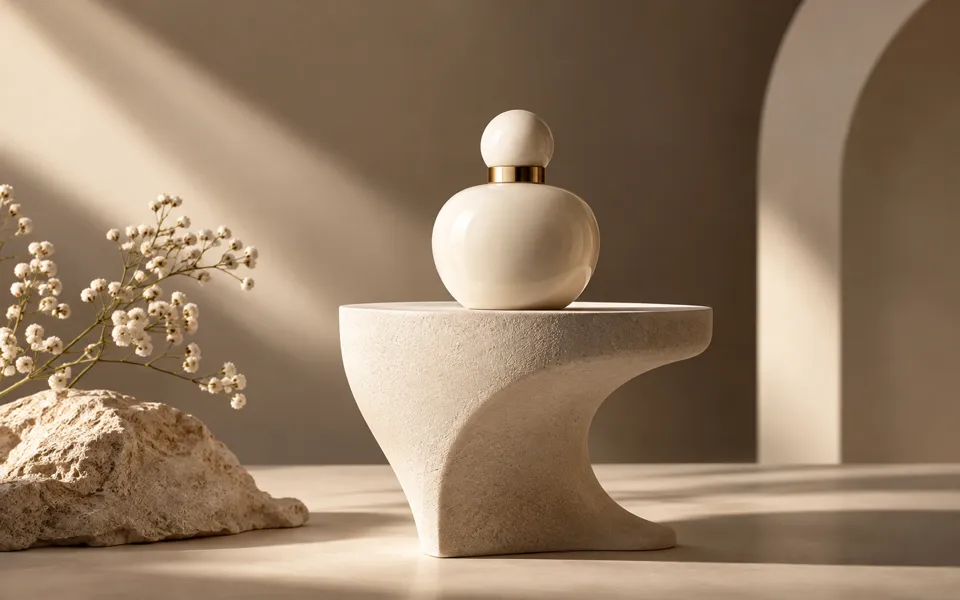
AI Product Photo Enhancer
Polish your original product photo on your device, or choose studio lighting and a backdrop for an AI catalog image.
Opening photo polish…
Review the product shape, color and small print against the original. A studio finish can redraw fine details.
No compatible model is available for Product Beautifier.
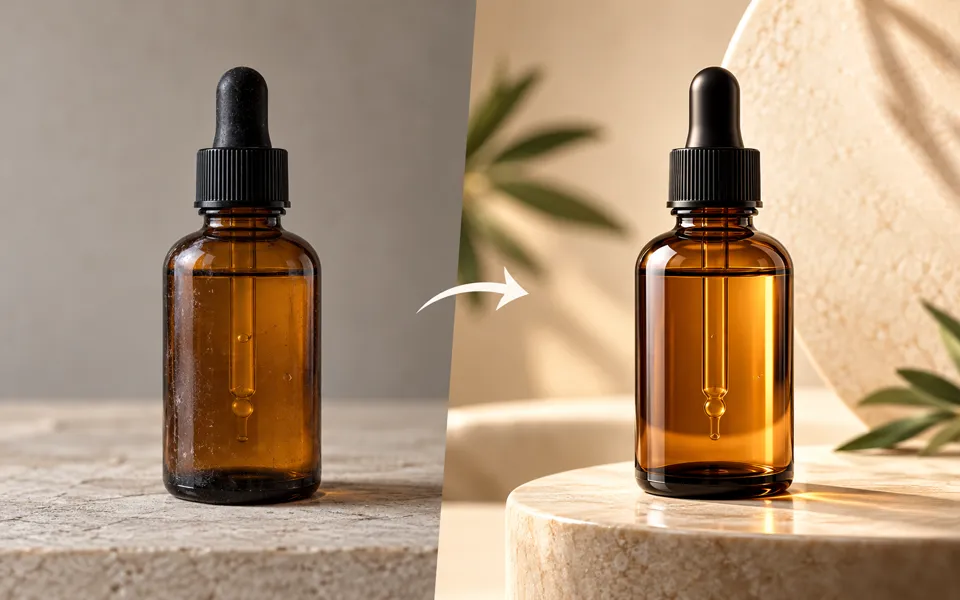
Polish a product photo for your catalog
- 01
Start with the original
Drop in a product photo. Use a catalog preset or fine-tune light, color and detail. Compare at the same scale and download at the original dimensions.
- 02
Choose a studio finish
To use AI, upload a clear product photo or prepare the local edit. Pick lighting, background, perspective and an available output size.
- 03
Check your packaging
Compare the generated image with the original. Check spelling, colors and shape at full size before using it in a listing.
Put your product in the spotlight.
Polish your original product photo on your device, or choose studio lighting and a backdrop for an AI catalog image.
Add the requested inputs and use the quote to review the available settings before starting.
Explore related tools

Frequently asked questions
Clear policies on free channels, device privacy and file retention.
Read full product facts- Which mode keeps the photographed lettering?
- Polish original adjusts the existing pixels on your device while retaining the original composition. The AI studio can redraw small text, so compare its result against the source.
- When is my photo uploaded?
- Local polish and download work on your device. Uploading in the AI studio sends the selected photo to Liofx.
- How do pricing and file retention work?
- The server confirms the credit quote before you submit. Available specifications and credits are shown in the creator. See Pricing for monthly and annual subscriptions. Reference images upload when you prepare an AI task. Guest results expire after one hour; signed-in creations are retained for 30 days. Download what you want to keep.