AI Signature Generator
Type, draw or clean up a signature locally, or generate an original handwritten wordmark from a name and lettering direction.
Opening signature editor…
Nano Banana 2 · Review your settings and credit quote
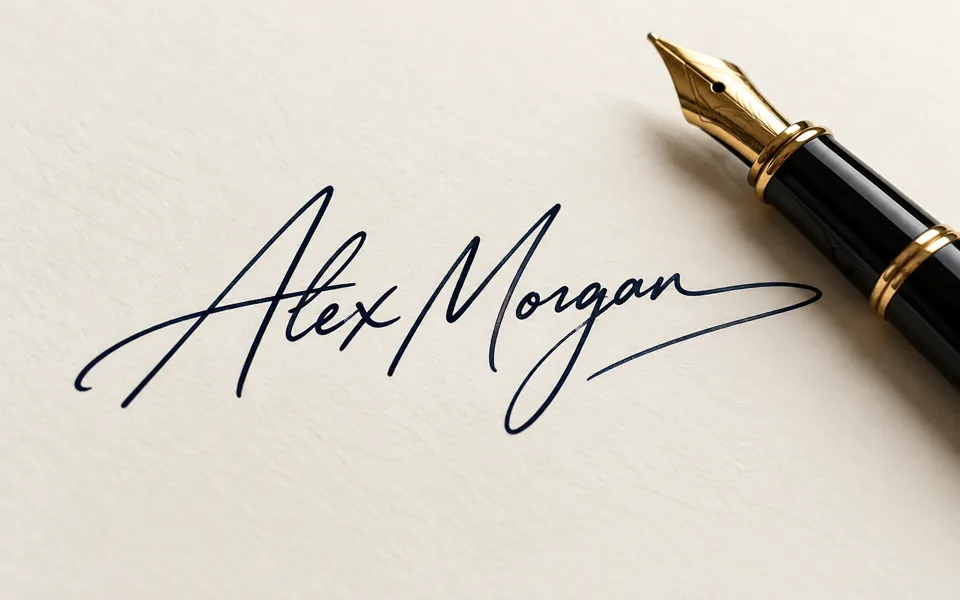
Create a signature you can keep editing
- 01
Type, draw or choose an image
Start with your exact name, write on the touch-friendly pad, or choose a signature image from your device. These three editing methods are free and local.
- 02
Find your lettering style
Compare six fonts, adjust pen strokes or clean away light paper. Set the ink, slant, angle, margins and background. For a new AI lettering idea, use the separate name and style controls and review its quote.
- 03
Download and keep your edits
Export transparent PNG or WebP, a JPG with a background, or editable SVG paths from typed and drawn signatures. Save a project file to reopen your settings and strokes later.
See where your idea can go.
Type, draw or clean up a signature locally, or generate an original handwritten wordmark from a name and lettering direction.
Add the requested inputs and use the quote to review the available settings before starting.
Explore related toolsFrequently asked questions
Clear policies on free channels, device privacy and file retention.
Read full product facts- Does my signature leave this device?
- Typing, drawing, image cleanup and project files are processed in your browser. The separate AI generator uploads a reference only when you choose photo input for an AI task.
- Can I export a transparent or vector signature?
- PNG and WebP support transparency. Typed and drawn signatures also export standalone SVG paths. Uploaded and AI-generated images remain raster artwork. JPG uses the selected background color.
- Can I edit it again later?
- Download an editable project, then choose Open project in the editor. It contains your lettering settings, strokes and any local source image. Unsaved edits live in the current tab and clear when the account changes.
- Which names can I type?
- The six local fonts support Latin letters, accents, numbers and punctuation. Use the drawing pad or an image for other scripts. AI lettering can misspell names, so check every generated result before using it.
- What does this tool create?
- It creates a signature image or wordmark for design use. Document signing, identity verification and signing audit trails are outside this editor.
- How do pricing and file retention work?
- The server confirms the credit quote before you submit. Available specifications and credits are shown in the creator. See Pricing for monthly and annual subscriptions. Reference images upload when you prepare an AI task. Guest results expire after one hour; signed-in creations are retained for 30 days. Download what you want to keep.