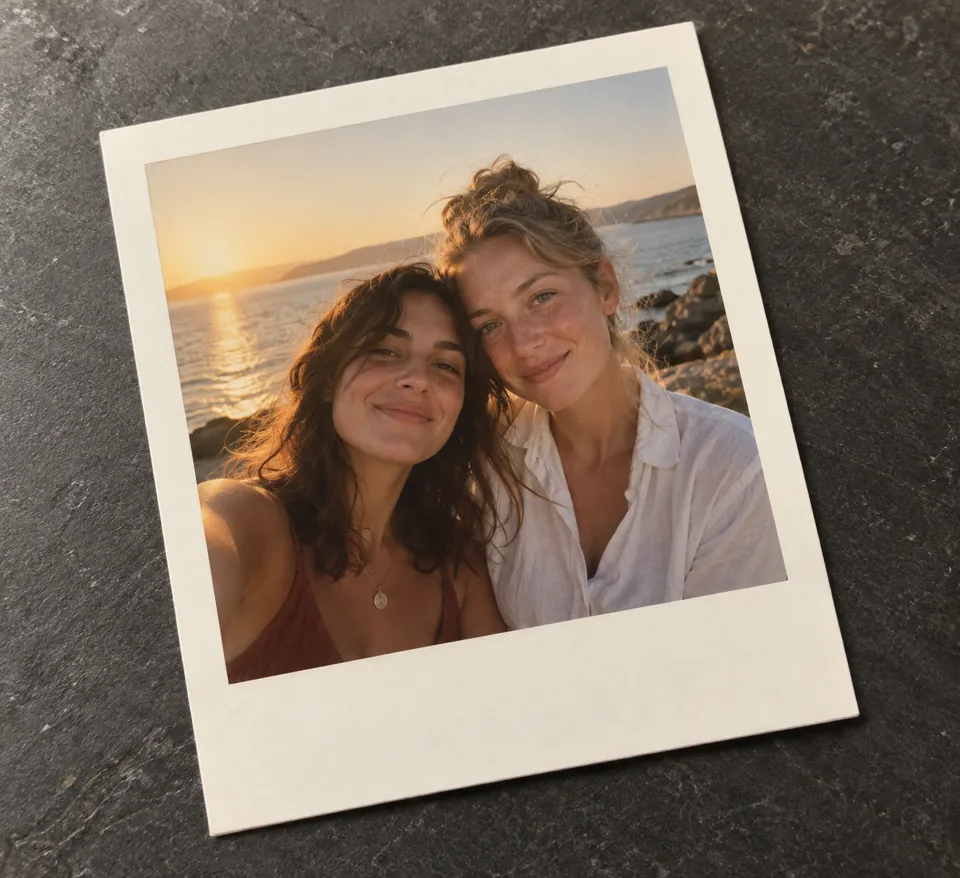
AI Vintage Photo
Apply a free local film finish, or create a vintage photograph from an era, a scene and one optional reference. Fine-tune color, grain and print wear before downloading.
Opening vintage photo studio…
Nano Banana 2 · Review your settings and credit quote

Bring a film finish to your photograph
- 01
Choose a starting point
Open a photo in the free local studio. For AI, choose an era and describe a scene, or add one reference photograph.
- 02
Find the right finish
Pick a film preset, then tune strength, grain, fading, warmth, vignette, light leak and print wear. Compare with the original at any time.
- 03
Keep your photo
Download PNG, JPEG or WebP at the original dimensions. Save an editable project with the original photo to continue later.
Find a new way to see it.
Apply a free local film finish, or create a vintage photograph from an era, a scene and one optional reference. Fine-tune color, grain and print wear before downloading.
Add the requested inputs and use the quote to review the available settings before starting.
Explore related toolsFrequently asked questions
Clear policies on free channels, device privacy and file retention.
Read full product facts- Is the local vintage filter free?
- Yes. It runs on your device, uses no credits and does not upload your photo. AI generation is a separate action with a credit quote.
- Can I change clothing and surroundings to match an era?
- Choose Reimagine the period setting in the AI form. Change the photographic look asks the model to preserve the depicted clothing and setting. AI can alter details; the local filter keeps the scene pixels.
- Does the filter shrink my photo?
- Downloads keep the original dimensions, up to 16 megapixels. Fit preview is reduced for the screen; Inspect at 100% shows the full-size result.
- Does the same grain pattern return when I reopen a project?
- Yes. Projects retain the texture seed along with the original image and settings. Choose New grain pattern only when you want a different texture.
- Which formats keep transparency?
- PNG and WebP preserve transparency. JPEG fills transparent areas with your selected background. Source metadata is removed during local processing.
- Are AI results historically accurate?
- Era settings are creative guidance, not evidence of historical accuracy. Review clothing, props, faces and text before using a generated result.
- How do pricing and file retention work?
- The server confirms the credit quote before you submit. Available specifications and credits are shown in the creator. See Pricing for monthly and annual subscriptions. Reference images upload when you prepare an AI task. Guest results expire after one hour; signed-in creations are retained for 30 days. Download what you want to keep.