Black & White Portrait
Make a monochrome portrait on your device. Mix red, green and blue weights, tune shadows and highlights, add film grain and compare with the original.
Opening the monochrome studio…
Choose a photo in the AI editor to upload it for cloud processing. Review the credit quote before generating.
Nano Banana 2 · Review your settings and credit quote
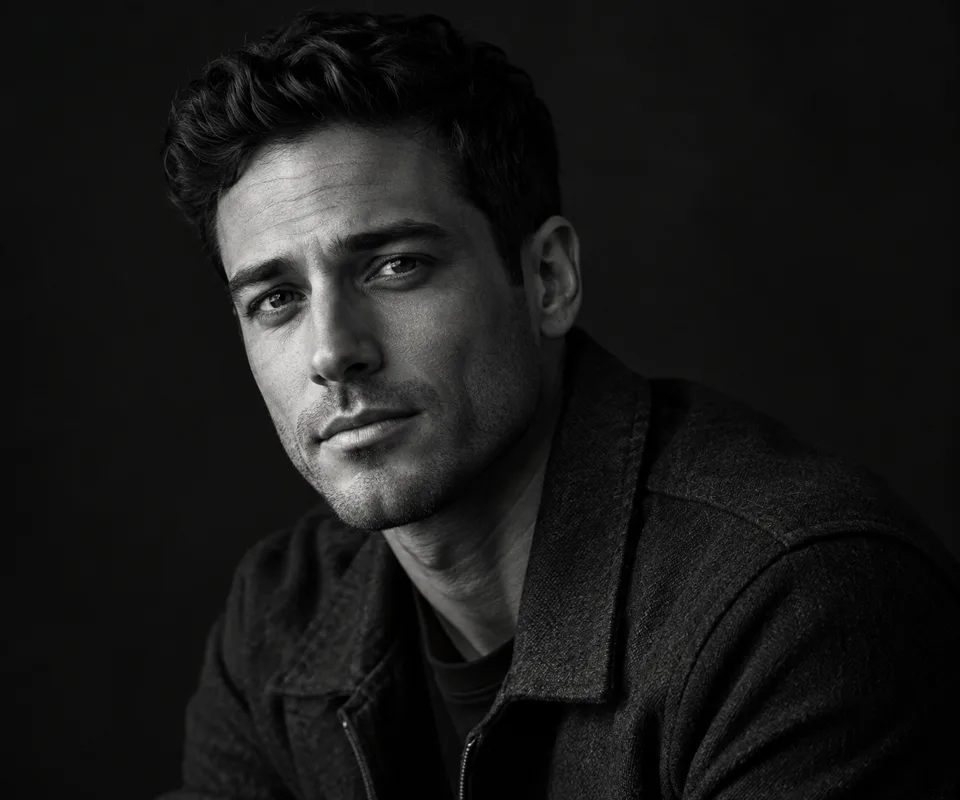
Control how each color becomes gray
- 01
Open a portrait
Drop a photo into the monochrome studio or open the sample to try the controls.
- 02
Mix channels and shape the light
Pick a balanced, soft, low-key or grained look. Adjust the red, green and blue weights, then tune contrast, shadows and highlights.
- 03
Compare and download
Compare the grayscale image with the original. Export PNG, JPEG or WebP at the original dimensions.
Find a new way to see it.
Make a monochrome portrait on your device. Mix red, green and blue weights, tune shadows and highlights, add film grain and compare with the original.
Add the requested inputs and use the quote to review the available settings before starting.
Explore related toolsFrequently asked questions
Clear policies on free channels, device privacy and file retention.
Read full product facts- What do the color weights control?
- Each weight controls how much that color contributes to the gray value. Raising red relative to the other channels lightens red areas.
- Does the monochrome studio upload my photo?
- The monochrome preview and export run on your device. The separate AI editor is available when a model is configured.
- How do pricing and file retention work?
- The server confirms the credit quote before you submit. Available specifications and credits are shown in the creator. See Pricing for monthly and annual subscriptions. Reference images upload when you prepare an AI task. Guest results expire after one hour; signed-in creations are retained for 30 days. Download what you want to keep.