Ink Illustration
Turn a photo into fine pen, crosshatch or ink wash on your device. Adjust line detail, hatching and paper, compare with the original and download at full size.
Opening the ink studio…
Choose a photo in the AI editor to upload it for cloud processing. Review the credit quote before generating.
Nano Banana 2 · Review your settings and credit quote
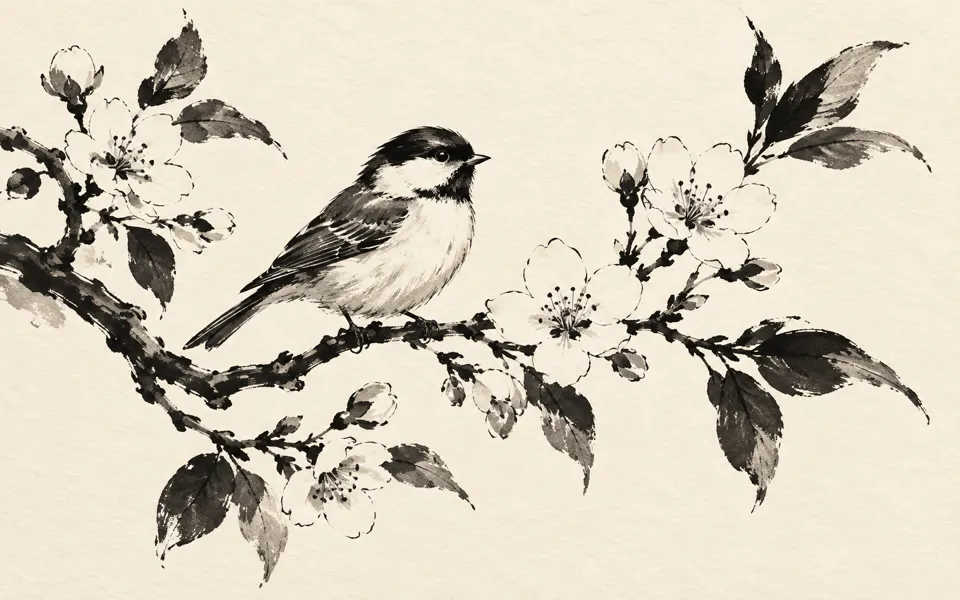
Make an ink drawing from a photo
- 01
Open your photo
Drop a JPEG, PNG or WebP into the ink studio. The effect previews use your photo and run on your device.
- 02
Shape the lines and paper
Choose fine pen, crosshatch or ink wash. Adjust line detail and hatching, then use Compare to check the original as you work.
- 03
Download at the original size
Choose PNG, JPEG or WebP. PNG and WebP keep transparency. Use JPEG’s background control to fill transparent areas.
Find a new way to see it.
Turn a photo into fine pen, crosshatch or ink wash on your device. Adjust line detail, hatching and paper, compare with the original and download at full size.
Add the requested inputs and use the quote to review the available settings before starting.
Explore related toolsFrequently asked questions
Clear policies on free channels, device privacy and file retention.
Read full product facts- Can I use the ink studio without an account?
- Yes. The local studio and downloads use no credits and keep the photo on your device.
- Can I draw from a written idea?
- When the AI editor is available, you can describe an ink illustration there and review a credit quote.
- How do pricing and file retention work?
- The server confirms the credit quote before you submit. Available specifications and credits are shown in the creator. See Pricing for monthly and annual subscriptions. Reference images upload when you prepare an AI task. Guest results expire after one hour; signed-in creations are retained for 30 days. Download what you want to keep.
