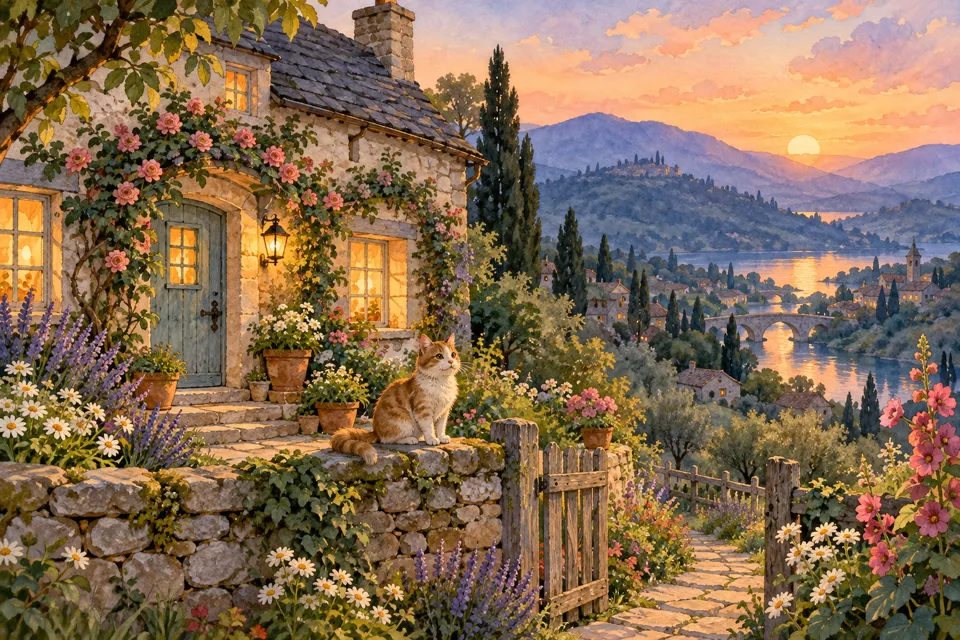
Disney 2D
Make an original hand-drawn character illustration. Choose cel shading, painted scenery or expressive ink and color.
No compatible model is available for Disney 2D.
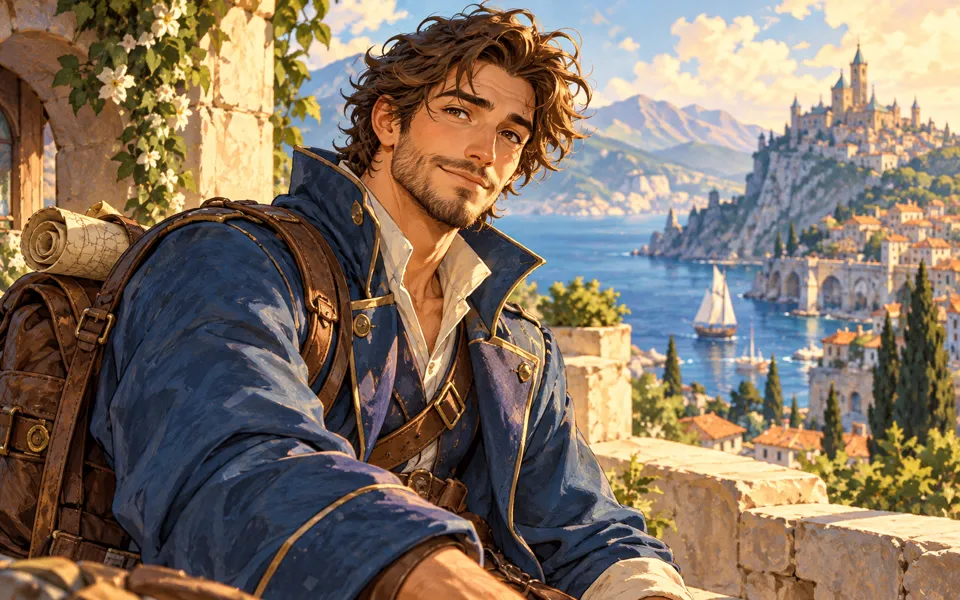
Direct a hand-drawn 2D portrait
- 01
Start with a portrait or scene brief
Use a portrait with visible eyes and hair, or describe an original character and setting.
- 02
Choose linework, color and expression
Pick clean cel, painted storybook or ink and color. Keep the source expression or accentuate the eyes and eyebrows.
- 03
Review and save the finished image
Check the credit quote, then compare the result with your original and download. A saved result can restore the same setup.
Find a new way to see it.
Make an original hand-drawn character illustration. Choose cel shading, painted scenery or expressive ink and color.
Add the requested inputs and use the quote to review the available settings before starting.
Explore related toolsFrequently asked questions
Clear policies on free channels, device privacy and file retention.
Read full product facts- Which finish gives a softer background?
- Painted storybook uses soft background brushwork. Describe important colors or details in the optional guidance.
- How do pricing and file retention work?
- The server confirms the credit quote before you submit. Available specifications and credits are shown in the creator. See Pricing for monthly and annual subscriptions. Reference images upload when you prepare an AI task. Guest results expire after one hour; signed-in creations are retained for 30 days. Download what you want to keep.