Styles & Design
Currently unavailableDoodle Portrait
Draw a portrait with pencil, crayon or marker, then choose open paper or small accents around the subject.
Image
No compatible model is available for Doodle Portrait.
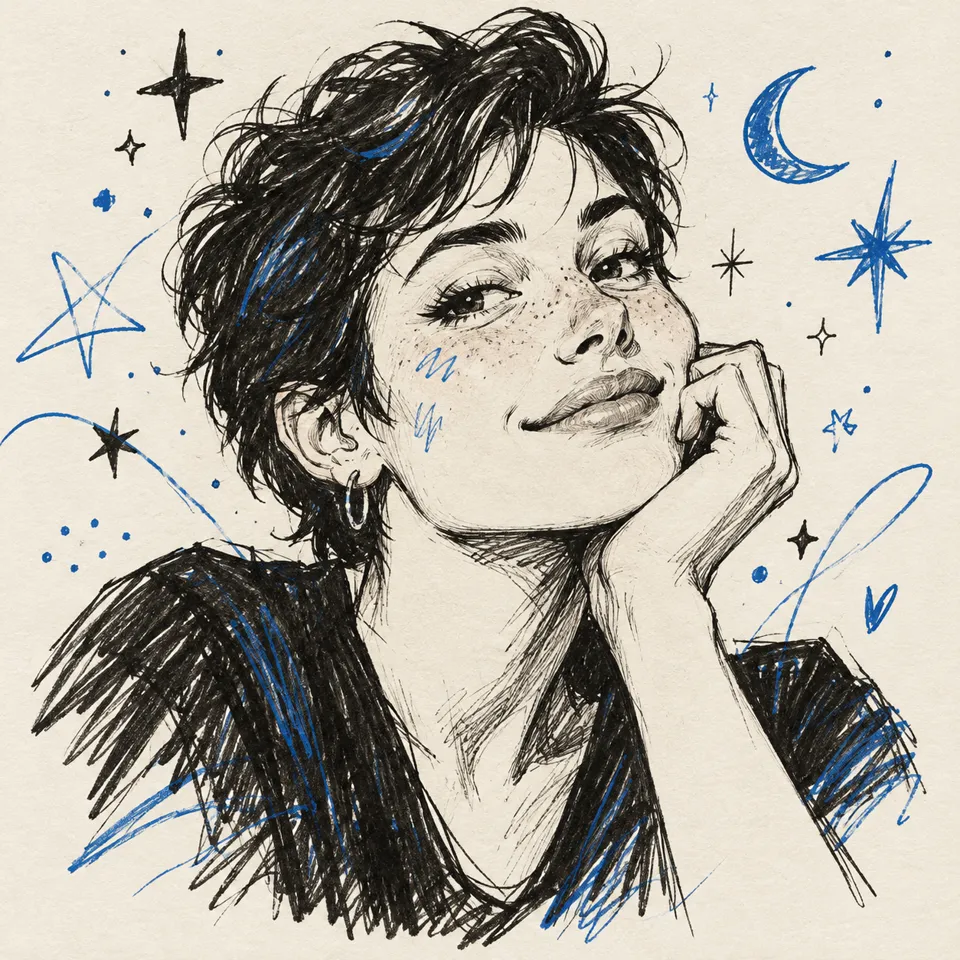
From start to finish
Choose a drawing medium and accents
- 01
Open a portrait or describe a subject
Use a photo with strong outlines or start with a short character description.
- 02
Choose notebook, crayon or marker
Keep the paper plain or add drawn accents. Mention details to keep, such as glasses or clothing, in the guidance.
- 03
Review your drawing
Check the credit quote, compare the result with your photo when you used one, then download the image or reopen its settings.
Styles & Design · Doodle Portrait
Find a new way to see it.
Draw a portrait with pencil, crayon or marker, then choose open paper or small accents around the subject.
Add the requested inputs and use the quote to review the available settings before starting.
Explore related toolsProduct details
Frequently asked questions
Clear policies on free channels, device privacy and file retention.
Read full product facts- Can I make a doodle without a photo?
- Yes. Choose Start with text and describe the subject, expression and any accessories you want drawn.
- How do pricing and file retention work?
- The server confirms the credit quote before you submit. Available specifications and credits are shown in the creator. See Pricing for monthly and annual subscriptions. Reference images upload when you prepare an AI task. Guest results expire after one hour; signed-in creations are retained for 30 days. Download what you want to keep.
