AI Text Effect Generator
Design precise lettering with layered fills, outlines, depth and transparent exports, or explore original AI text materials and lighting.
Opening text effect editor…
Nano Banana 2 · Review your settings and credit quote
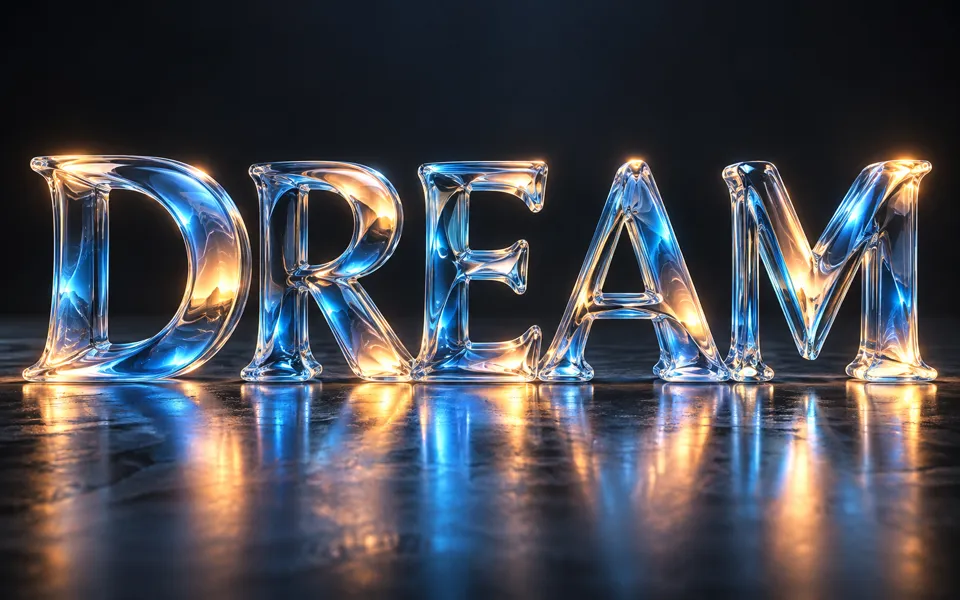
Turn exact words into layered lettering
- 01
Write and choose a style
Type up to six lines, compare eight effect presets and choose from six bundled fonts. The free editor keeps your words exact.
- 02
Adjust the layers
Change the gradient or local image texture, add outlines, depth, shadows and glow, then adjust spacing, curves and canvas shape. Each change appears in the preview.
- 03
Export or continue editing
Download transparent PNG or WebP, JPG with a background, or self-contained SVG lettering. Save an editable project to reopen the design later.
See where your idea can go.
Design precise lettering with layered fills, outlines, depth and transparent exports, or explore original AI text materials and lighting.
Add the requested inputs and use the quote to review the available settings before starting.
Explore related toolsFrequently asked questions
Clear policies on free channels, device privacy and file retention.
Read full product facts- Is the text editor free and private?
- The lettering editor, image textures and project files run on your device without uploads or credits. AI generation is separate and shows a credit quote before submission.
- Will my exact text be preserved?
- The local editor draws the supported characters exactly. AI images can misspell words; check generated lettering before using it. The six local fonts support common Latin letters, accents, numbers and punctuation.
- Can I export vectors or transparency?
- PNG and WebP support transparent backgrounds. SVG contains letter paths; a texture fill embeds its image. Generated artwork stays a raster image and exports as PNG, JPG or WebP.
- Can I reopen my work?
- Save an editable project containing your settings and any embedded images. Open it in the editor to continue. Unsaved changes stay in the current tab and clear when the account changes.
- How does AI text generation work?
- Enter the wording, select a material, color, lighting and backdrop, and optionally add one visual reference. After generation, adjust the original image canvas or switch to exact editable lettering.
- How do pricing and file retention work?
- The server confirms the credit quote before you submit. Available specifications and credits are shown in the creator. See Pricing for monthly and annual subscriptions. Reference images upload when you prepare an AI task. Guest results expire after one hour; signed-in creations are retained for 30 days. Download what you want to keep.